TimeOS
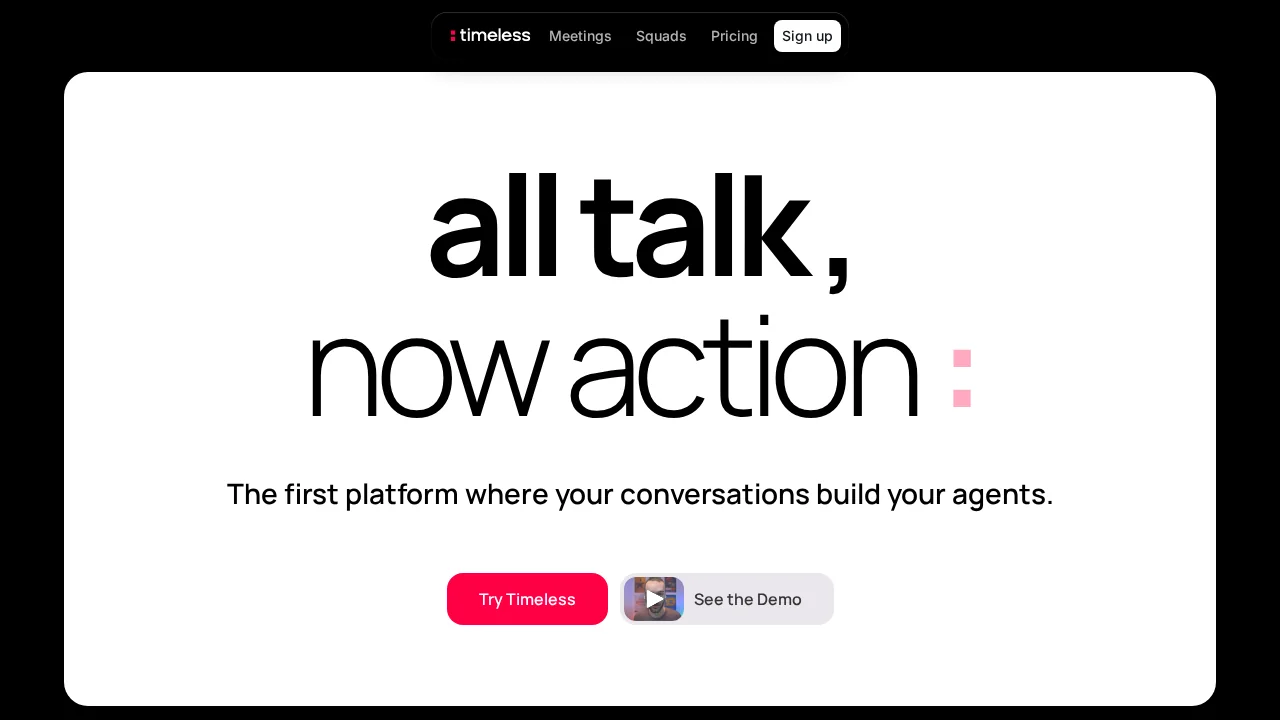
timeOS automates meeting notes and task management across Zoom, Google Meet, and Microsoft Teams.
TimeOS at a glance
- Pricing
- Free — from $19/month
- Key strengths
- Seamlessly integrates with Zoom, Google Meet, and Microsoft Teams · Automatically generates meeting notes and comprehensive summaries · Tracks and delegates action items with AI-powered follow-up
Screenshots
About TimeOS
timeOS transforms how teams capture and act on meeting insights by automating note-taking and follow-up processes across major video conferencing platforms. The AI assistant attends your meetings, generates comprehensive summaries, and identifies action items automatically—freeing you to focus on discussion rather than documentation. This integration with your calendar and popular productivity tools like Notion, ClickUp, Asana, and Slack ensures that captured insights and tasks flow seamlessly into your existing workflows without manual effort.
Beyond note-taking, timeOS handles the administrative burden of post-meeting communication. The tool drafts personalized follow-up emails that match your writing style, eliminating the time spent composing routine messages. It also manages action item tracking and delegation, ensuring accountability and preventing critical tasks from slipping through the cracks. With multi-language support, teams operating globally can capture meeting content in their preferred languages.
Data privacy and security are built into timeOS from the ground up. All data is encrypted during transit and hosted securely on AWS infrastructure, with a clear commitment that meeting content is never used to train AI models. Users maintain complete control over their information and can request deletion at any time. This privacy-first approach makes it suitable for organizations handling sensitive discussions or confidential information.
Pros
Cons
Alternatives to TimeOS
Hedy AI
Recal
Workmate
Convo
Echother
Himala AI Meeting Assistant
LinaFlow