Unblur Image.io
Unblur Image.io is an AI tool that instantly sharpens blurry photos and restores clarity to damaged images.
Screenshots
About Unblur Image.io
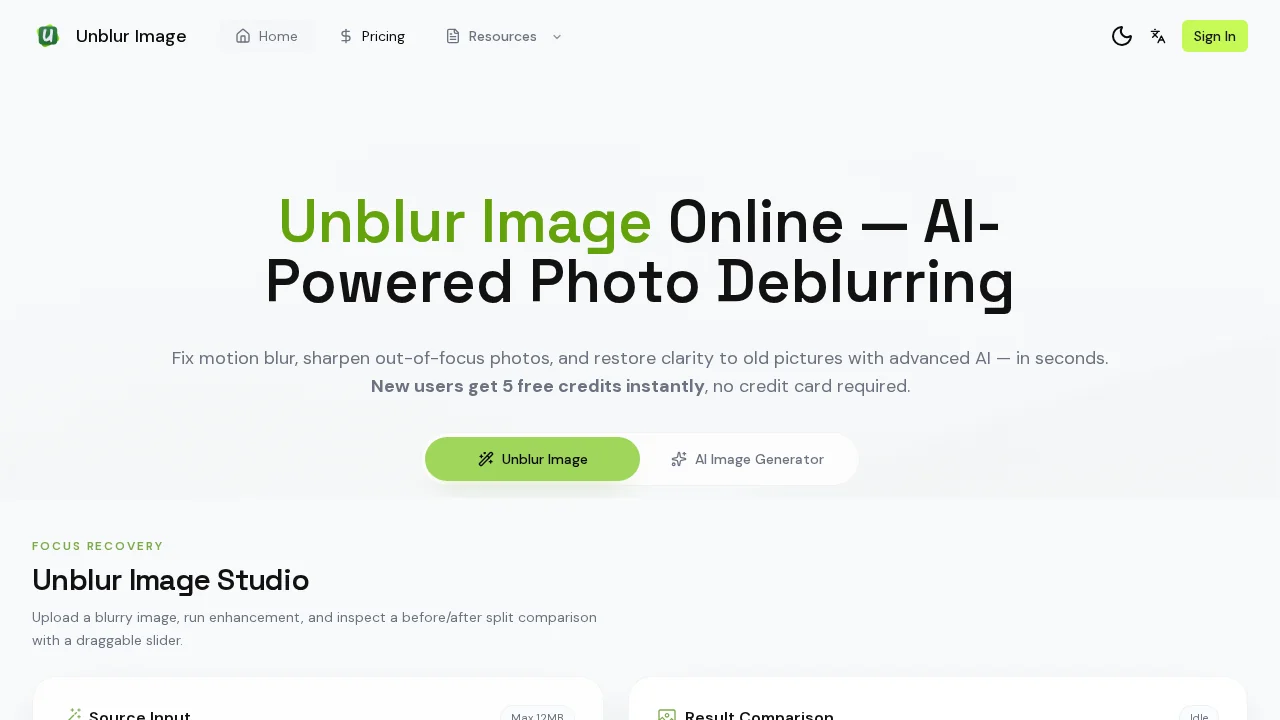
Unblur Image.io uses advanced artificial intelligence to detect and eliminate various types of blur from your photographs. Whether your images suffer from motion blur, out-of-focus problems, Gaussian blur, or compression artifacts, the tool automatically analyzes and removes these issues within seconds. This makes it ideal for recovering clarity from photos that would otherwise be unusable.
Beyond basic deblurring, the platform offers comprehensive image restoration capabilities. It excels at enhancing old or damaged photographs, sharpening documents and text-heavy images, and improving photos taken in challenging low-light conditions. The tool includes intelligent detail recovery and face enhancement features that work together to produce naturally sharp, high-quality results.
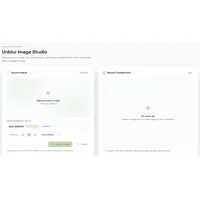
Upscaling functionality allows you to increase image resolution while maintaining sharpness and visual quality. This dual approach—removing blur while enhancing resolution—transforms low-quality images into polished, professional-looking photographs. The side-by-side before-and-after comparison tool lets you evaluate improvements before downloading your restored image.
New users receive five free credits upon registration, allowing them to process multiple images at no cost. Supported file formats include PNG, JPG, and WEBP, with a 20MB file size limit. The Pro plan includes batch processing for handling multiple images simultaneously, making it efficient for users with large photo collections.
Pros
Cons
Alternatives to Unblur Image.io
AI Enhance Image.com