VideoWeb AI | Video to Video
VideoWeb AI transforms real videos into animated styles with frame-by-frame analysis and intelligent style consistency.
VideoWeb AI | Video to Video at a glance
- Pricing
- Free — from $7.99/month
- Rating
- ⭐ 3.0/5 · 16 reviews
- Key strengths
- Transforms videos into multiple animation styles with minimal user effort · Maintains character and background consistency across all frames · Adjustable parameters for precise control over visual output
Screenshots
About VideoWeb AI | Video to Video
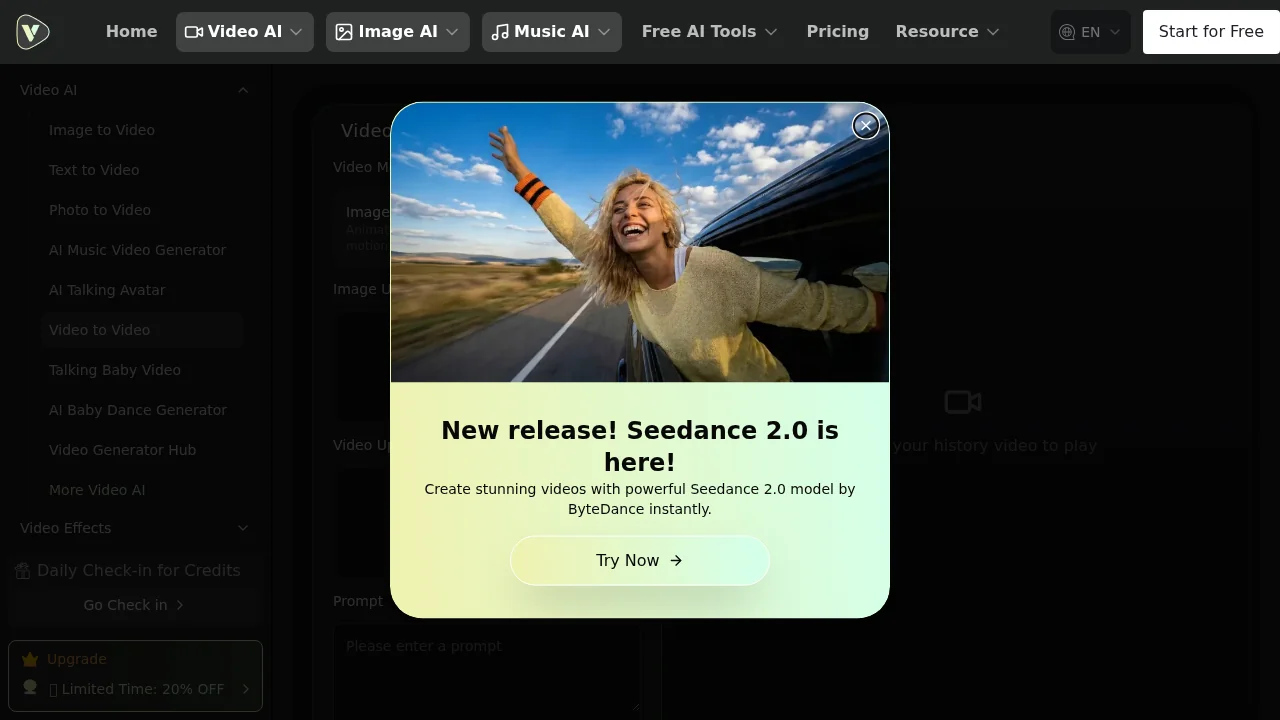
VideoWeb AI's Video to Video generator empowers creators to convert live-action footage into multiple animation styles without requiring professional animation skills. The platform supports classic hand-drawn animation, cartoon rendering, and stop-motion effects, making it accessible for content creators, marketers, and hobbyists seeking to add visual variety to their video projects. By analyzing each frame individually, the tool maintains consistent character proportions and background details throughout entire videos, ensuring a polished final result.
The intelligent processing engine preserves original expressions and movements while enhancing visual elements like line work, color blocks, and texture details. Users gain precise control over the output through adjustable parameters including color saturation, line thickness, and background detail levels. This granular control allows creators to fine-tune results to match their specific aesthetic preferences and project requirements.
The platform streamlines the creative process by enabling users to apply multiple style variations to the same video, comparing outputs before committing to a final selection. Beyond video transformation, VideoWeb AI converts static images into dynamic animated videos and generates specialized effect videos. The minimal learning curve means users simply upload content and select their preferred style—the AI handles complex processing automatically, reducing production time significantly compared to traditional animation methods.
Pros
Cons
Alternatives to VideoWeb AI | Video to Video
FlowSub
GoFaceless
MurmurCast
Zorq AI
Scenes AI
Kinovi - AI Video Generator
MojoMake - AI Image to Video Generator