
VoiceToText
VoiceToText converts your speech into accurate text in real-time using advanced AI technology across 30+ languages.
VoiceToText at a glance
- Pricing
- Free — from Free
- Rating
- ⭐ 3.7/5 · 9 reviews
- Key strengths
- Real-time speech-to-text conversion with advanced accuracy · Supports 30+ languages and accents for global users · Built-in audio recorder and text-to-speech functionality
Screenshots
About VoiceToText
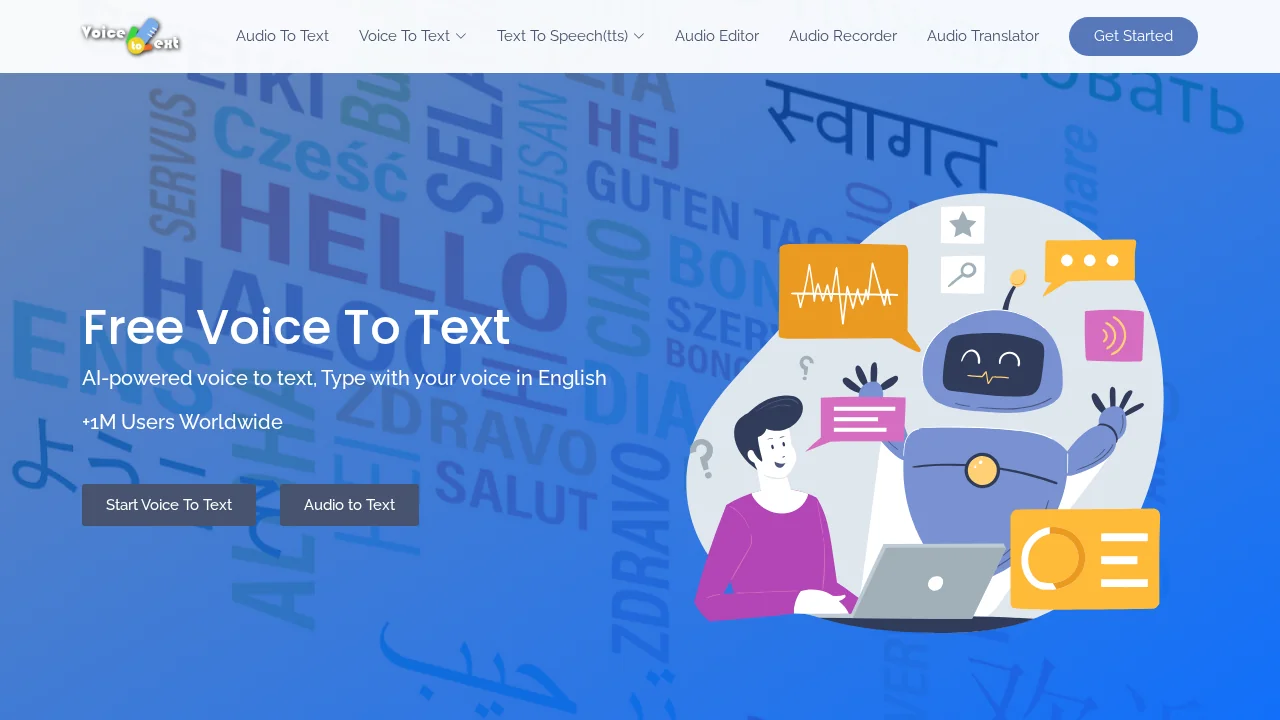
VoiceToText is a free, AI-powered speech-to-text solution that transforms spoken words into written content instantly. Whether you're drafting emails, composing essays, or creating documents, the tool eliminates tedious typing by capturing your voice and converting it directly to text. This approach significantly accelerates content creation workflows for professionals, students, and anyone seeking faster documentation methods.
The platform's advanced algorithms deliver high accuracy in speech recognition, supporting more than 30 languages and regional accents to serve a global audience. Users benefit from a straightforward interface that requires no technical expertise, making voice-to-text conversion accessible to all skill levels. The seamless real-time processing ensures immediate feedback, allowing users to monitor their transcription as they speak.
Beyond transcription, VoiceToText includes integrated editing tools that enable quick refinements to converted text without switching between applications. Users can export their transcriptions in multiple formats, facilitating easy sharing and long-term storage. The tool also features a built-in audio recorder for capturing audio directly online and saving files to your device, plus bidirectional conversion capabilities that transform text back into audio in real-time for added versatility.
The platform works across Windows, Mac, and Linux operating systems, offering broad compatibility for different users. Optimal performance is achieved through Google Chrome on a stable internet connection, ensuring reliable and efficient transcription sessions.
Pros
Cons
Alternatives to VoiceToText
Video to Text.net
autokeyworder
Sleekio
FastlyConvert
VoxTap
Velma Transcribe by Modulate
FastScribeX