WhisperClip
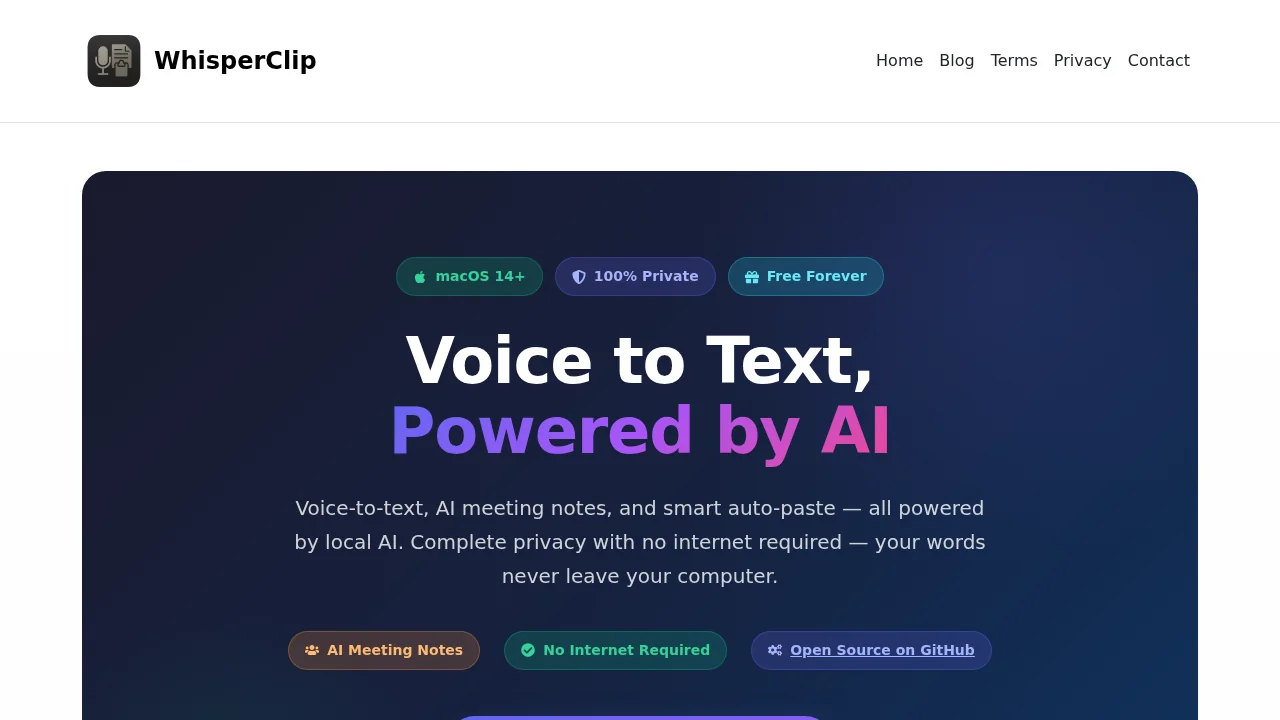
WhisperClip transforms spoken words into perfectly formatted text instantly, enabling hands-free productivity across any application.
Screenshots
About WhisperClip
WhisperClip is an intelligent voice-to-text solution designed for users who want to capture their thoughts without typing. By leveraging advanced speech recognition technology, it converts your natural speech into accurate, formatted text that integrates seamlessly into emails, documents, code editors, and messaging applications. The tool eliminates the friction between thinking and writing, allowing you to maintain your workflow while communicating through voice.
The platform excels at understanding context and formatting intent. Whether you're composing professional correspondence, documenting code comments, organizing notes, or engaging in real-time conversation, WhisperClip intelligently structures your output without requiring manual edits. This contextual awareness means fewer corrections and faster content creation across diverse use cases.
WhisperClip operates as a universal input method that works within your existing applications. Rather than requiring a separate interface, the transcribed text appears directly where you need it, preserving your natural speaking style while applying appropriate formatting conventions. This seamless integration reduces cognitive load and keeps you focused on expressing ideas rather than managing software.
The tool serves professionals, developers, students, and anyone seeking a faster alternative to traditional typing. By enabling voice-first workflows, WhisperClip helps users maximize productivity, reduce physical strain, and maintain creative momentum during high-volume writing sessions.
Pros
Cons
Alternatives to WhisperClip
Video to Text.net
autokeyworder
Sleekio
FastlyConvert
VoxTap
Velma Transcribe by Modulate
FastScribeX