
Workflow.Design
Workflow.Design is a minimalist collaboration platform built for creative teams to manage projects, assets, and feedback in one unified space.
Workflow.Design at a glance
- Pricing
- Free — from $16/month
- Rating
- ⭐ 3.7/5 · 7 reviews
- Key strengths
- AI-powered review system catches errors and tone issues automatically · Real-time collaboration with instant notifications and live updates · Unified platform reduces need for multiple subscription tools
Screenshots
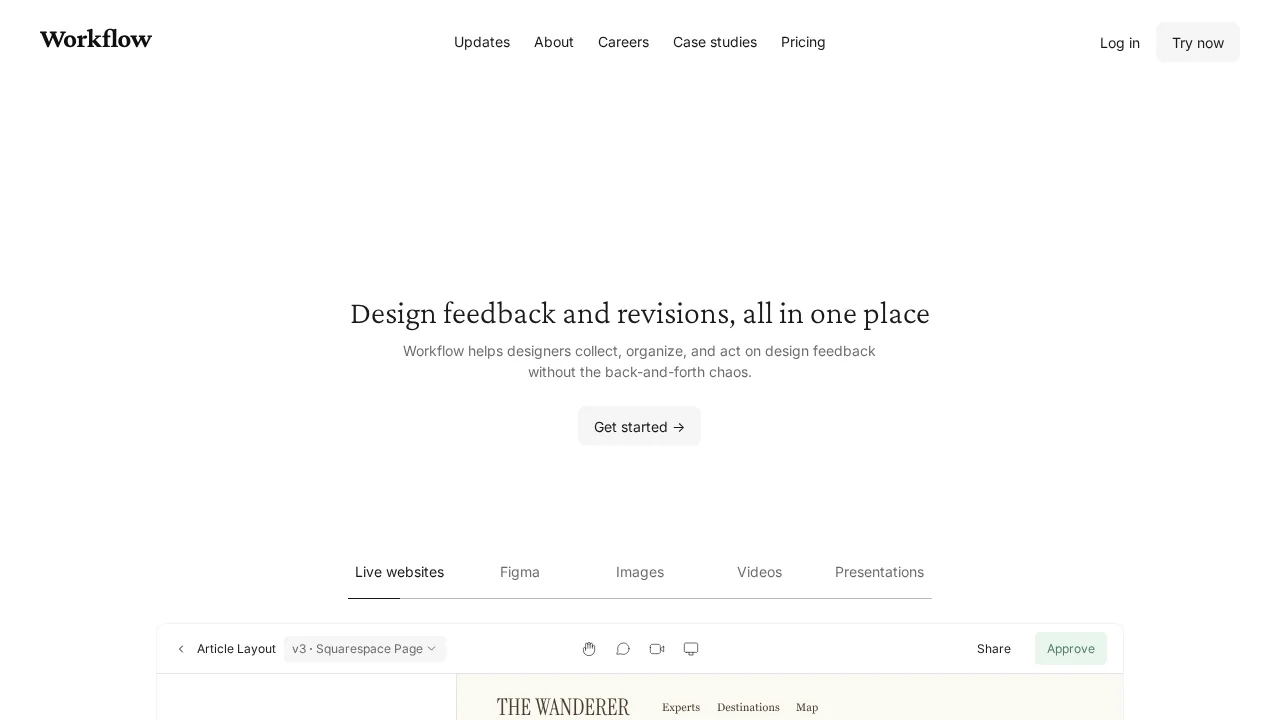
About Workflow.Design
Workflow.Design streamlines creative project management by consolidating task management, asset organization, and team communication into a single intuitive platform. Designed specifically for creative professionals working with design, web, video, and other visual assets, it eliminates the need to juggle multiple tools while keeping workflows organized and transparent.
The platform's real-time collaboration features enable seamless teamwork through integrated commenting, discussion threads, and instant notifications. Team members can contribute to projects simultaneously, with changes reflected immediately across the workspace. A comprehensive timeline view tracks all project discussions and modifications, creating a clear historical record that supports accountability and reduces miscommunication.
Workflow.Design's AI-powered review system automatically identifies issues such as spelling errors and tone inconsistencies, accelerating the feedback and approval process. Beyond automated checks, the platform supports rich feedback through video recordings and annotations, enabling reviewers to communicate nuanced critiques more effectively than text alone.
Version control functionality allows teams to compare, save, and track different project iterations, making it easy to revert changes or understand how work has evolved. The minimalist interface prioritizes clarity, displaying tasks, timelines, and project status at a glance without overwhelming users with unnecessary complexity.
Pros
Cons
Alternatives to Workflow.Design
Notis
remio: Your Personal ChatGPT
SureThing.io
TheLibrarian.io
Supernormal App
Base44 Superagents
Caret