
Write Minimal
Write Minimal is a distraction-free AI writing platform that streamlines content creation with intelligent organization and multi-format repurposing.
Write Minimal at a glance
- Pricing
- Paid — from $4.99/month
- Rating
- ⭐ 4.5/5 · 4 reviews
- Key strengths
- Distraction-free minimalist interface enhances focus and writing quality · AI-powered organization and summarization save editing time · Intelligent content repurposing across multiple formats and platforms
Screenshots
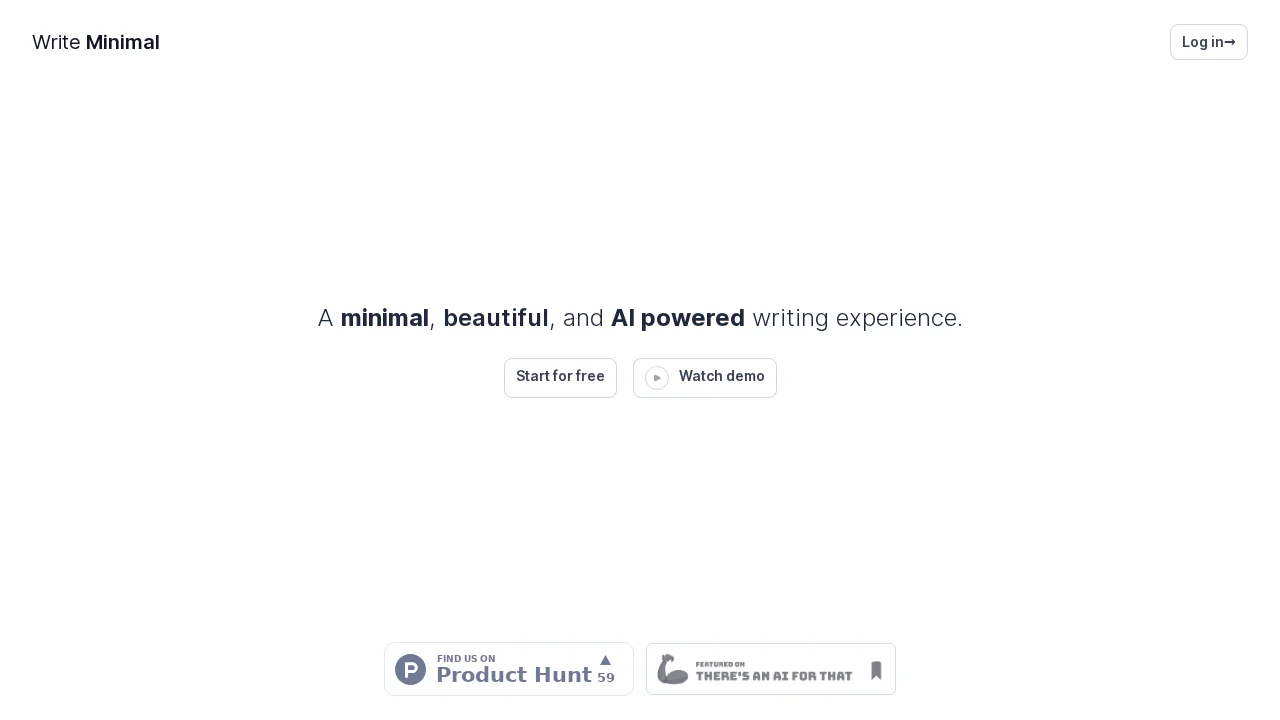
About Write Minimal
Write Minimal combines minimalist design principles with artificial intelligence to create an intentional writing environment. The platform removes visual clutter and noise, allowing writers to focus entirely on their words. The carefully crafted typography adapts seamlessly across devices, ensuring consistent readability whether you're composing on desktop, tablet, or mobile. This thoughtful approach to interface design mirrors the experience of writing on premium paper, creating a psychological shift toward deeper focus and better output.
The embedded AI capabilities transform raw ideas into polished content by helping you organize thoughts, summarize passages, and structure arguments logically. Rather than forcing you to navigate complex menus, the inline editor lets you format text effortlessly while maintaining flow. These intelligent assistance features save considerable time during the editing phase, allowing you to spend more energy on ideas and less on mechanics. The result is higher-quality writing produced more efficiently.
Write Minimal excels at content repurposing, automatically adapting your pieces into multiple formats—from blog articles to social media posts for platforms like Twitter and LinkedIn. This multi-platform capability eliminates tedious reformatting work and ensures your message reaches different audiences in their preferred formats. For content creators, freelance writers, and editorial teams juggling multiple channels, this feature dramatically reduces workflow friction and increases output velocity.
Pros
Cons
Alternatives to Write Minimal
Clico
Easy MCP AI for Wordpress
Librida
AI Auto Blogger
AI Newsletter Generator
Skywork
ShakespeareAI