Zoom AI Companion
Zoom AI Companion boosts productivity by drafting messages, summarizing meetings, and enabling creative brainstorming within your workflow.
Zoom AI Companion at a glance
- Pricing
- Free — from $12.53/month
- Rating
- ⭐ 3.8/5 · 5 reviews
- Key strengths
- Seamlessly integrated into Zoom's existing platform with no additional logins re · Generates high-quality summaries of meetings and conversations automatically · Assists with writing emails, messages, and creative brainstorming in real-time
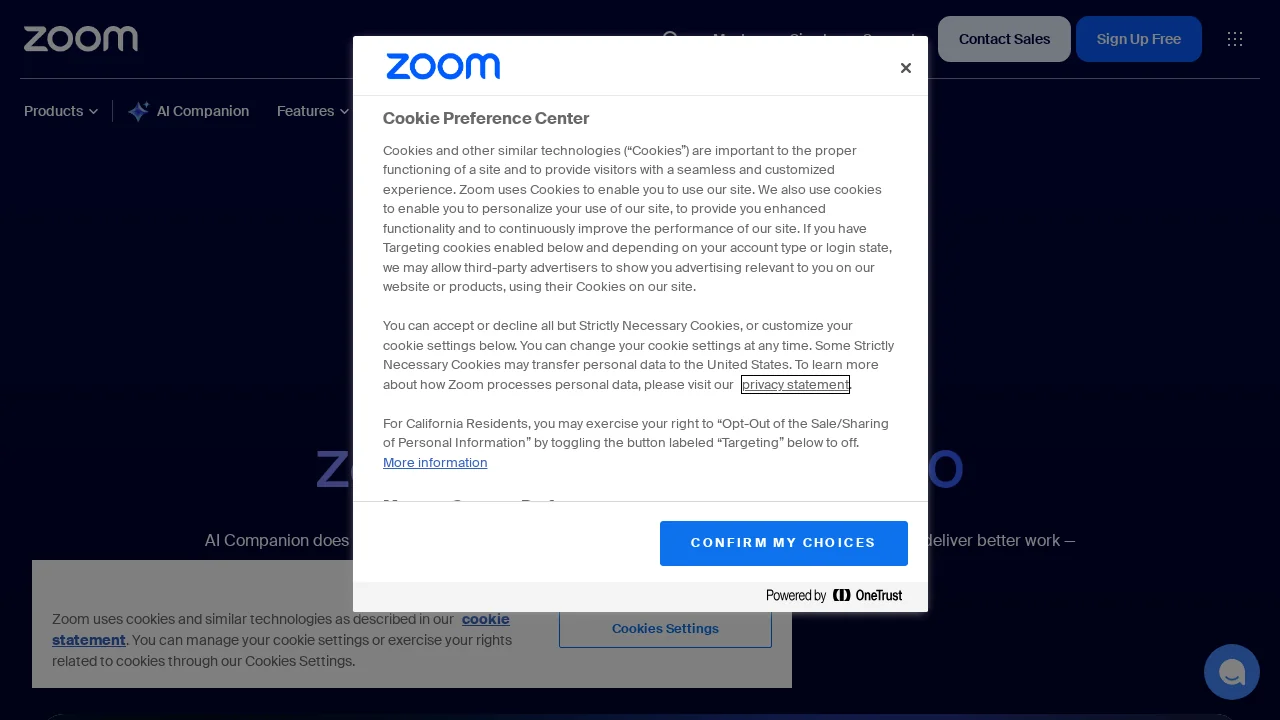
Screenshots
About Zoom AI Companion
Zoom AI Companion integrates intelligent assistance directly into your communication and collaboration platform, helping teams work smarter without switching between tools. The AI handles routine writing tasks like composing emails and chat messages, freeing up time for higher-value work. It excels at synthesizing information by automatically summarizing meetings and chat threads, ensuring no critical details are missed and enabling faster decision-making across your organization.
Beyond administrative tasks, the companion supports creative problem-solving through brainstorming features that help teams generate ideas and explore possibilities in real-time. By leveraging Zoom's federated AI approach, the tool maintains quality results while respecting data privacy and security concerns common in enterprise environments. Whether you're managing back-and-forth communication, reviewing meeting outcomes, or workshopping strategies with colleagues, the companion adapts to your immediate needs without disrupting your existing workflow.
The solution scales across teams of any size, offering consistent support whether you're an individual contributor or managing distributed teams. Integration with Zoom's native platform means less training overhead and faster adoption compared to standalone AI tools. Enhanced productivity gains compound over time as users become more proficient with AI-assisted workflows and delegate routine cognitive tasks to automated systems.
Pros
Cons
Alternatives to Zoom AI Companion
Notis
remio: Your Personal ChatGPT
SureThing.io
TheLibrarian.io
Supernormal App
Base44 Superagents
Caret