
AI Photo Editor No Sign Up
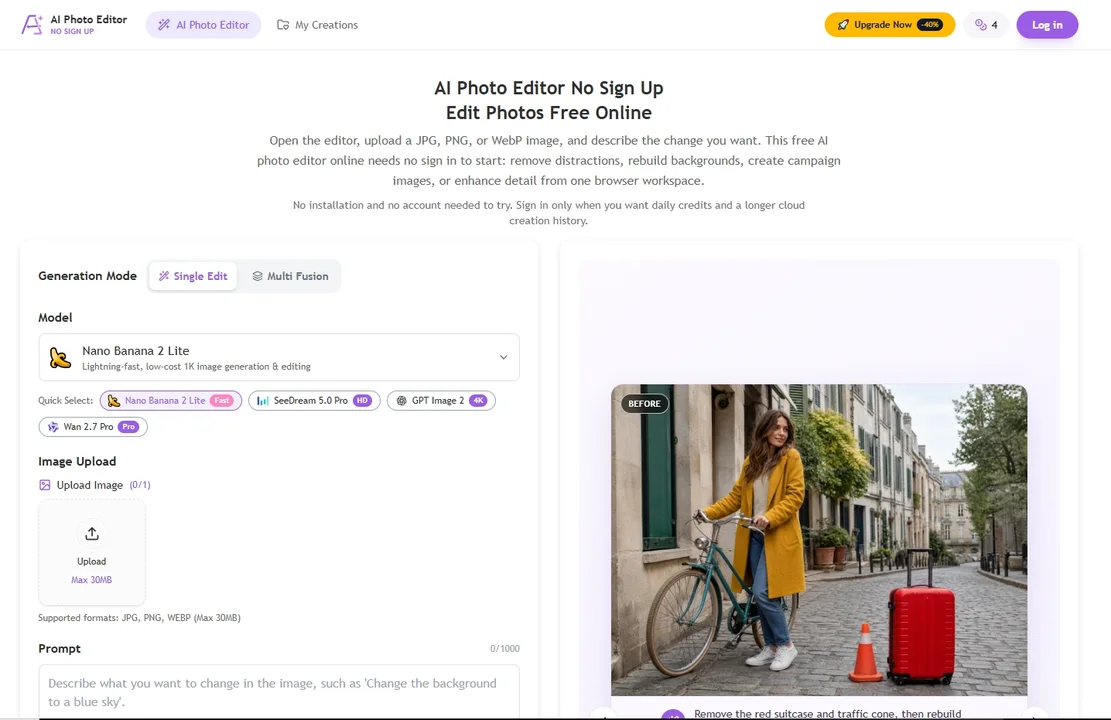
AI Photo Editor No Sign Up offers prompt-based image editing for object removal, background changes, and restoration directly in your browser without registration.
AI Photo Editor No Sign Up at a glance
- Pricing
- Freemium
- Key strengths
- No sign up required to start editing · Browser-based with no software installation · Prompt interface simplifies complex edits
Screenshots
About AI Photo Editor No Sign Up
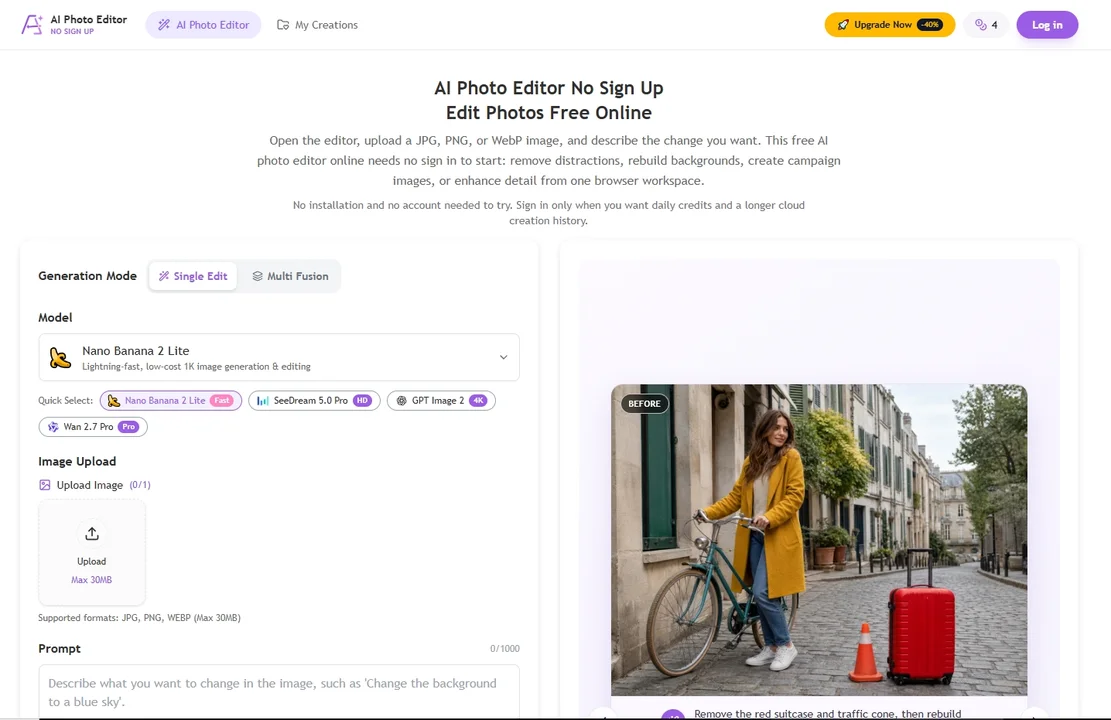
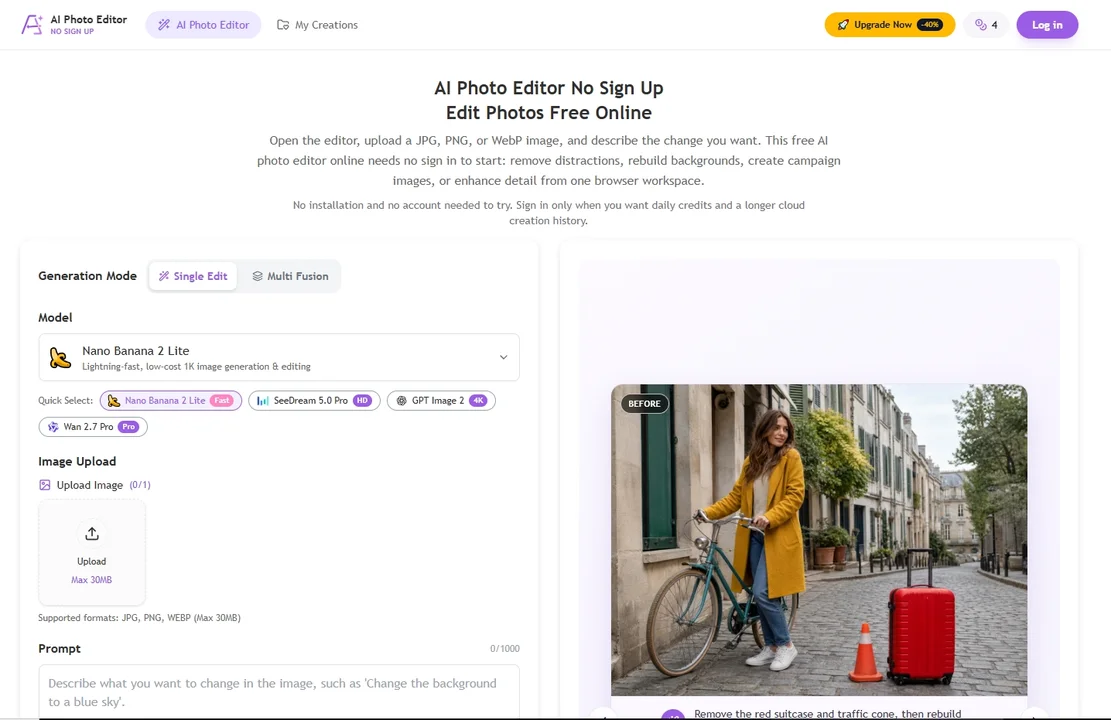
AI Photo Editor No Sign Up removes the usual friction of online image editing by letting anyone start a session immediately in a browser. There is no software to download and no account creation required to begin, which makes it practical for quick, one-off tasks. Users upload a JPG, PNG, or WebP file and describe the change they want in plain language, and the tool generates the edit from that prompt.
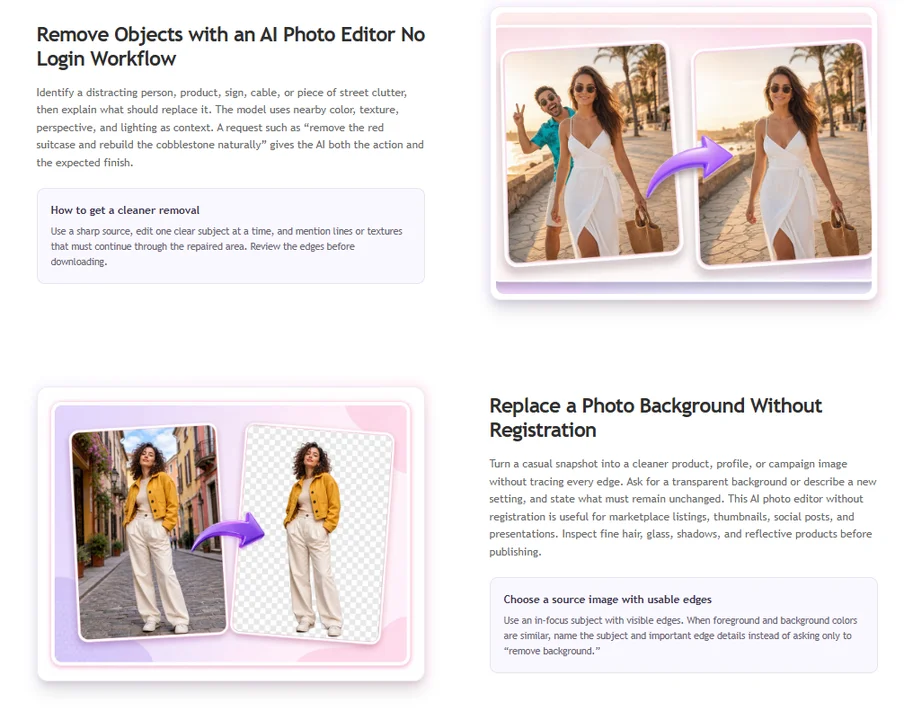
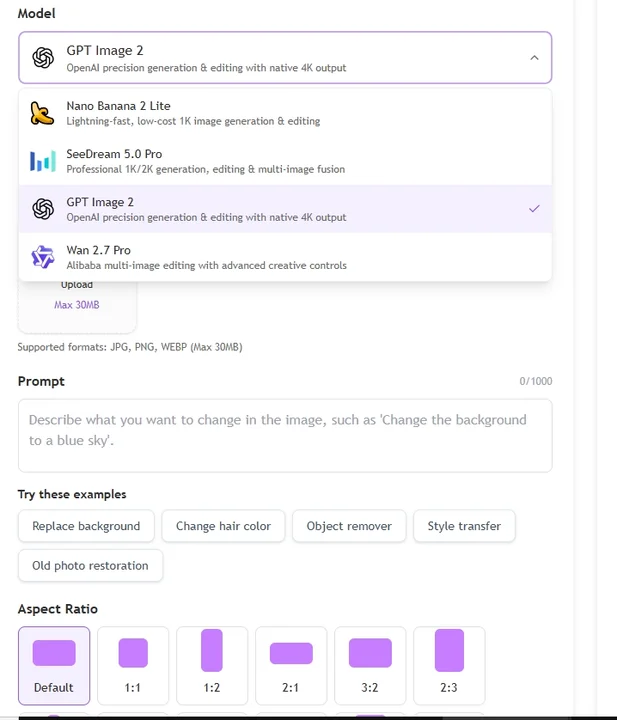
The editor handles a wide range of everyday photo adjustments. Unwanted objects, photobombers, and blemishes can be cleaned out of an image without manual masking. Backgrounds can be replaced or generated from scratch to match a new mood or context. Old or damaged photos benefit from restoration and enhancement routines that improve clarity, color, and detail. Text-guided edits allow precise creative control, while multi-image fusion makes it possible to combine elements from several photos into a single composite.
A guest session starts with a small bundle of free credits, which is enough to test the workflow and complete a few light edits. Signing in is optional but unlocks daily credits, a history of past edits, and one-time packs for heavier use. Because everything runs in the browser, the tool is accessible from any modern device without local installation, and prompts serve as the main interface rather than complex layer-based controls.
Features
- Prompt-based photo editing
- Remove unwanted objects
- Replace or generate backgrounds
- Restore and enhance old photos
- Multi-image fusion