AI Video Background Changer
AI Video Background Changer removes and replaces video backgrounds in clicks, exporting transparent or solid-color clips with audio intact.
AI Video Background Changer at a glance
- Pricing
- Freemium — from $9.99/mo Lite plan ($8.33/mo billed annually)
- Key strengths
- Transparent and solid-color background exports in one workflow · Audio preserved across all output formats · Supports MP4, WebM, MOV, MKV, and GIF downloads
Screenshots
About AI Video Background Changer
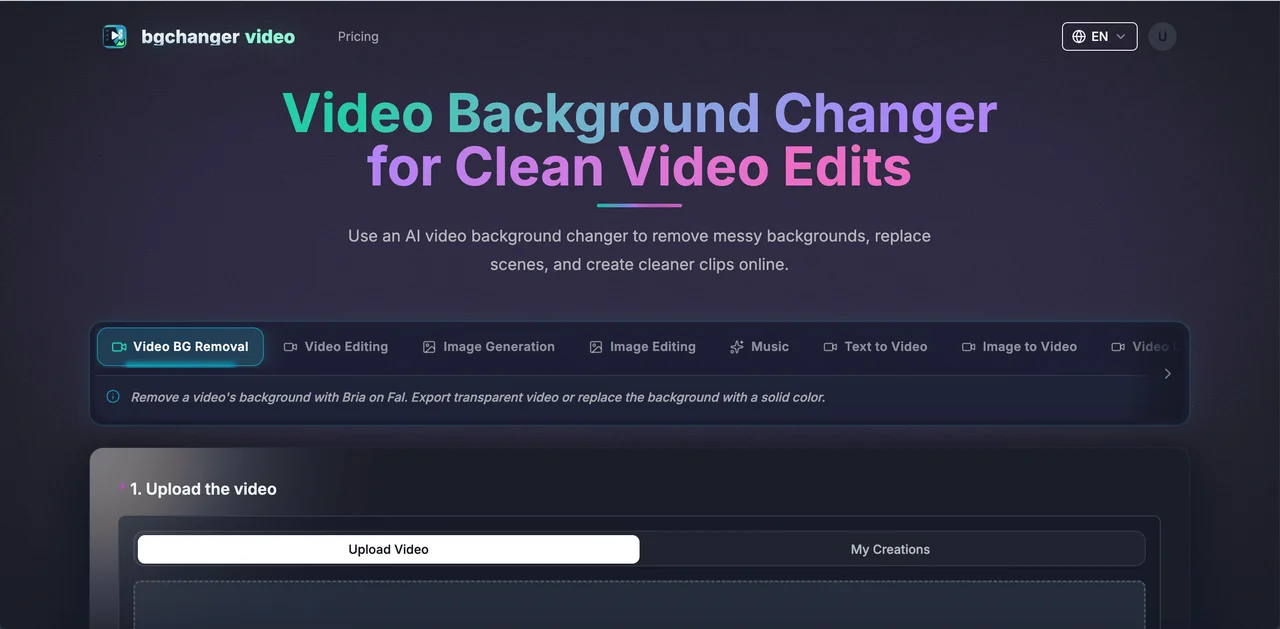
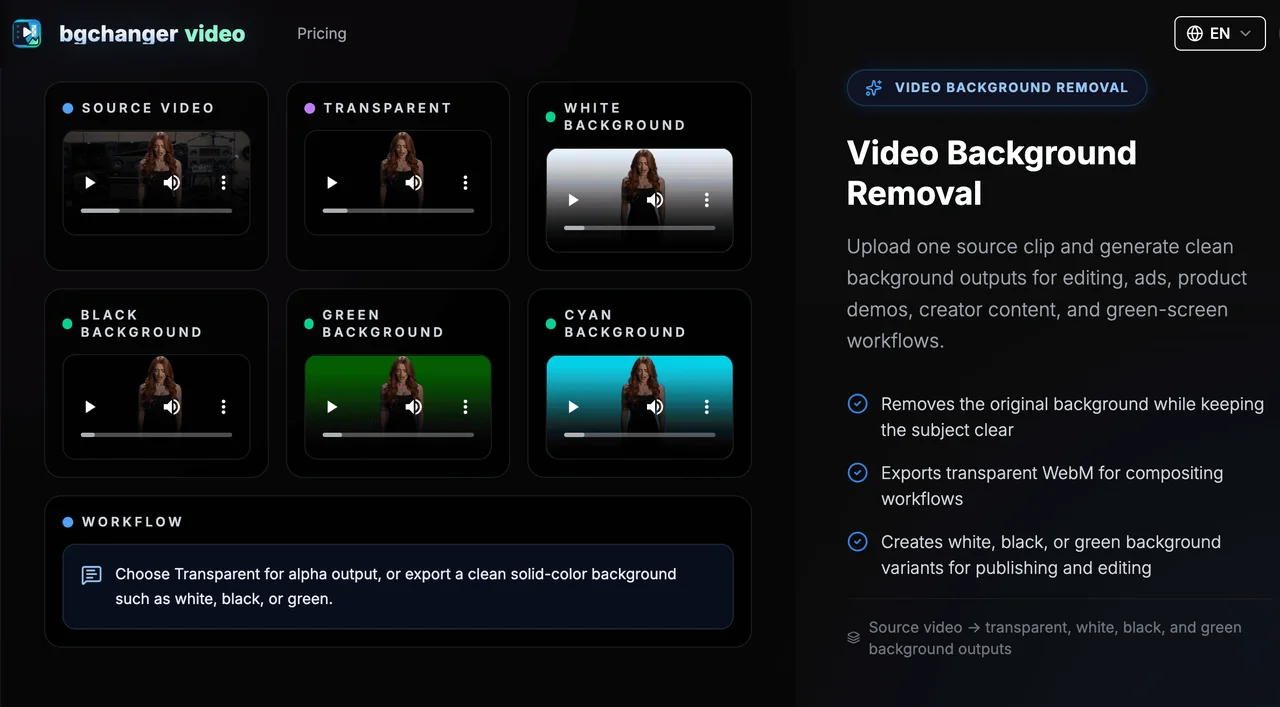
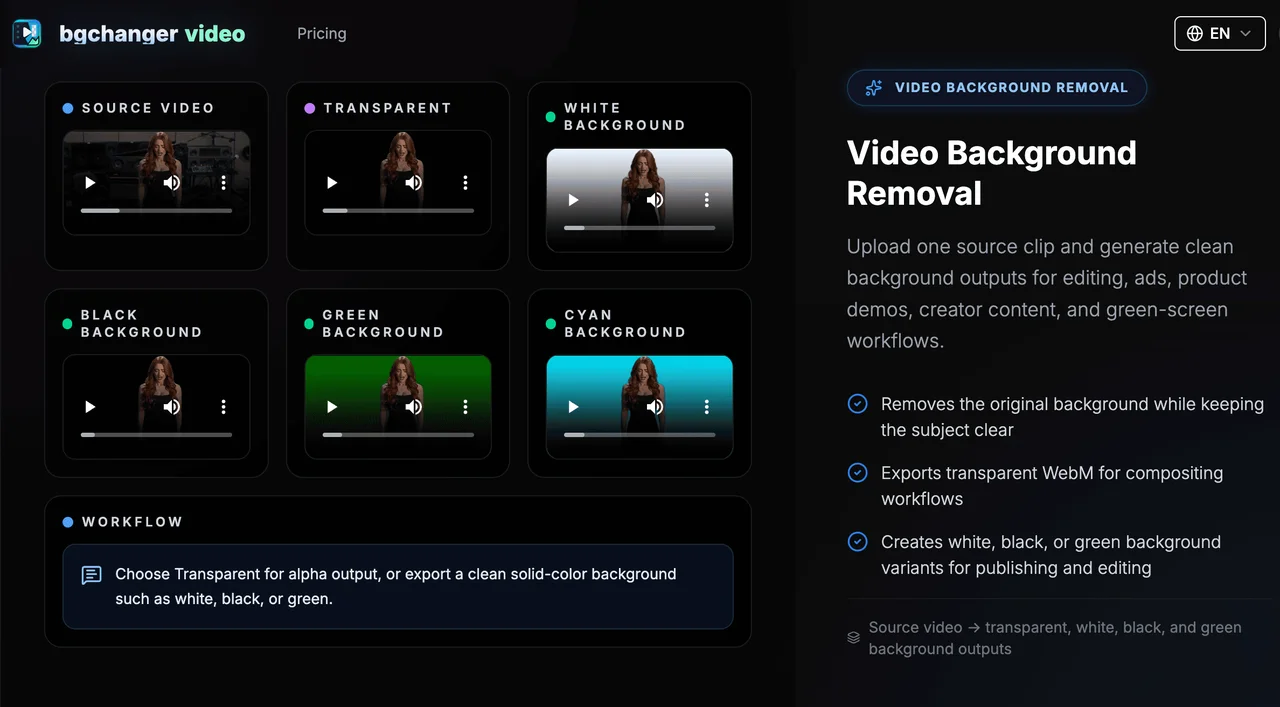
AI Video Background Changer is purpose-built for one of the most common tasks in video production: stripping away an unwanted background so the subject can be re-used anywhere. Upload a clip and the tool isolates the foreground automatically, giving creators a transparent alpha video ready for compositing or a clean solid-color replacement such as white, black, or green-screen. The workflow is direct—upload, preview, download—and keeps the original audio track intact, which saves an extra editing pass in most projects.
Output flexibility is a practical strength. Finished videos can be exported as MP4, WebM, MOV, MKV, or GIF, making it easy to deliver the right format for social platforms, ads, presentation decks, or web players. For teams running green-screen workflows, the solid-color export removes the need to manually key footage in a desktop editor and shortens turnaround on product demos, explainer clips, and creator content.
Beyond background removal, the workspace includes adjacent AI workflows that fit naturally into the same production pipeline. Character replacement uses a reference image and a prompt to swap the identity of a scene while preserving the original camera motion and action timing, which is useful for re-skinning ads or localizing characters. Text-to-video and image-to-video tools open routes to generating fresh footage, while video upscaling, motion control, video face swap, and video extension handle the polish and finishing steps.
Typical use cases include product demos, short-form social clips, ad creative, tutorials, and any project that needs clean foreground isolation. Output quality depends on the source clip—well-lit footage with a clearly separated subject produces the most reliable results, while cluttered or low-contrast backgrounds can reduce edge accuracy.
Features
- AI-powered video background removal
- Transparent alpha output for compositing workflows
- Solid-color background exports including white, black, green, and more
- MP4, WebM, MOV, MKV, and GIF output with audio preservation
- Character replacement using reference images and prompts
- Text-to-video and image-to-video creation workflows
- Video upscaling, motion control, face swap, and video extension
- Use cases for ads, product demos, social clips, tutorials, and green-screen work