
Bellink
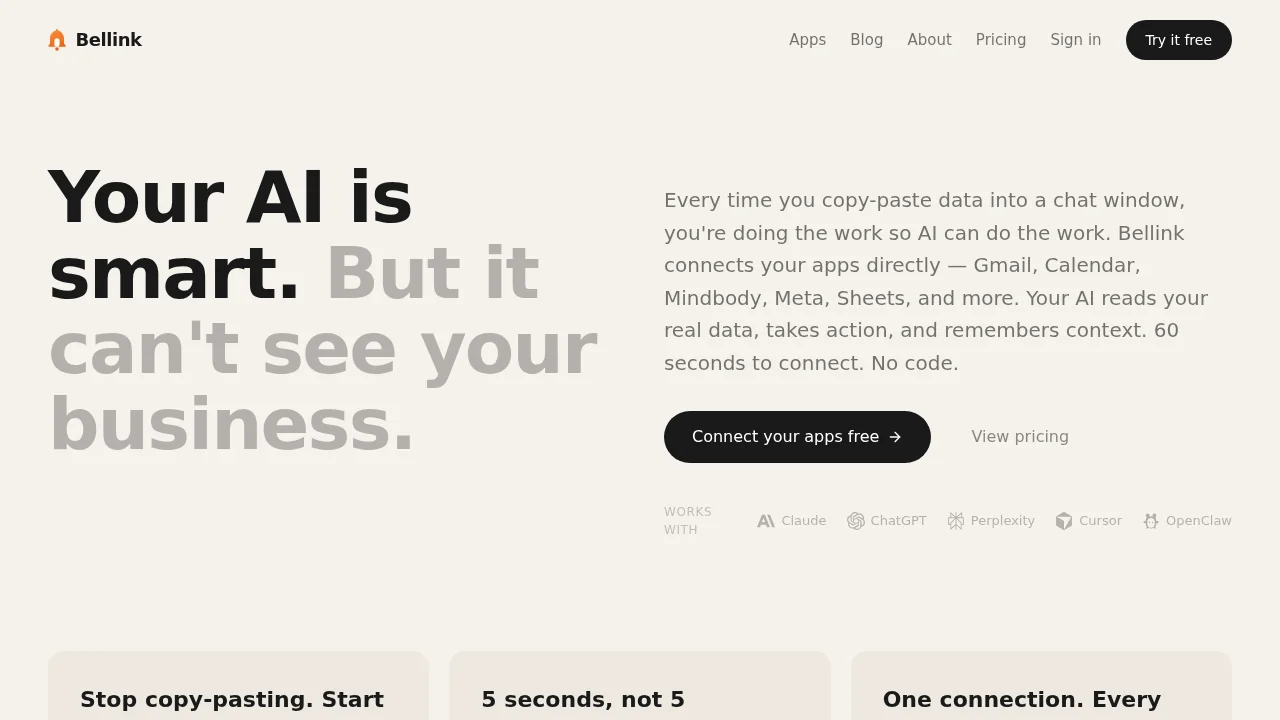
Bellink connects your business tools to AI assistants with read-write access, enabling seamless automation without coding.
Bellink at a glance
- Pricing
- Free — from $29/month
- Rating
- ⭐ 5.0/5 · 1 reviews
- Key strengths
- Connect once, work across multiple AI platforms via MCP standard · Read and write access enables full automation without manual data transfer · No coding required—natural language controls complex business workflows
Screenshots
About Bellink
Bellink bridges your business software and AI assistants like Claude and ChatGPT, eliminating the need to switch between platforms or manually transfer data. By establishing direct integrations with tools like HubSpot, Slack, Stripe, Google Calendar, and others, Bellink allows your AI to access live, current information and take actions on your behalf—without requiring coding skills. This approach transforms how teams interact with their data; instead of copying information into prompts or taking screenshots, you simply ask your AI assistant what you need, and it retrieves and processes real-time data directly from your connected systems.
Built on the Model Context Protocol (MCP) standard, Bellink ensures compatibility across multiple AI platforms. The same integrations work with any MCP-compatible assistant, future-proofing your setup as adoption grows and new tools emerge. This standardization means your investment in connecting business tools translates to value across your entire AI toolkit.
For service businesses managing client relationships, schedules, payments, and communications, Bellink enables AI to understand context and execute tasks with authority. Pulling reports from HubSpot, scheduling meetings in Google Calendar, posting updates to Slack, or managing billing through Stripe becomes as simple as natural conversation. Your AI gains practical knowledge of what's possible within each tool and guides you through workflows step-by-step, removing friction from routine operations and freeing your team to focus on higher-value work.
Pros
Cons
What is Bellink used for?
- Productivity
Alternatives to Bellink
PhonePi MCP
Composio
Komos - AI That Runs Your Repetitive Work
biela.dev
Rocket
SureThing.io
Renamer.ai