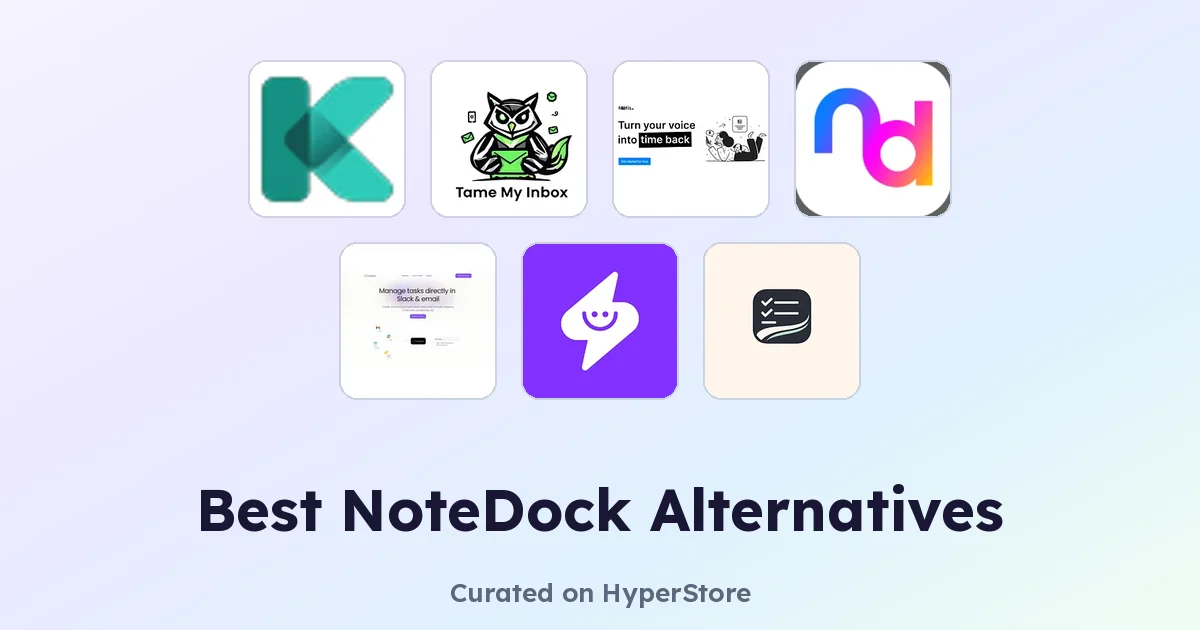
NoteDock is a note-taking app built for capturing ideas, tasks, and reference material in one place. It appeals to people who want a single home for the thoughts and follow-ups that pile up throughout the day. Even satisfied users eventually look for NoteDock alternatives when they need deeper integrations, built-in AI, or specialized capture for meetings and voice messages.
Why look for a NoteDock alternative?
NoteDock works well as a general-purpose notebook, but it isn't always the best fit for specific workflows. Some users want automated meeting capture rather than typing notes by hand. Others need their notes to land directly in a project tool like Notion or Slack, where their team actually works. Pricing, platform availability, and the absence of features like voice capture or AI summarization are also common reasons people explore alternatives. None of these complaints mean NoteDock is bad. They just mean a more focused tool may serve a narrower job better.
What to look for in a NoteDock alternative
Capture flexibility
The best alternatives match how you actually work. If your notes come from meetings, voice memos, or email threads, look for tools that handle those inputs natively instead of forcing you to copy and paste. A tool that meets you where the information already lives tends to stick.
Integrations with the rest of your stack
Notes are most useful when they land somewhere they'll get acted on. Check whether a candidate syncs with the tools you already use, whether that's Notion, Slack, Google Calendar, or a project tracker. Tools that push notes into existing workflows reduce the manual handoff that drains energy from knowledge work.
AI features that earn their keep
AI summaries, transcription, and task extraction are everywhere now, and quality varies a lot. Look for tools that demonstrate real accuracy on the kind of input you generate most. Some are excellent at meeting transcripts; others shine at pulling action items out of long email threads. The right fit depends on your main source of notes.
Pricing and free tier
Many tools in this space offer a generous free tier, but limits on transcription minutes, captured notes, or team members can hit fast. Compare the actual usage caps rather than just the sticker price. A tool that looks free may charge the moment a real team starts using it.
The best NoteDock alternatives
Bracket
Bracket turns Slack messages and emails into tracked tasks without leaving your inbox. Where NoteDock relies on you to write things down, Bracket pulls action items out of conversations and keeps them organized in one place. It's a strong fit for teams whose work lives in chat and email rather than in a standalone notebook.
Kolva
Kolva captures, transcribes, and summarizes meetings directly in your browser for about $0.25 per hour. If you find yourself taking manual notes during calls, Kolva removes the typing entirely and produces a clean summary you can paste anywhere. It's a focused alternative to NoteDock for anyone whose notes mostly come from meetings.
Notis
Notis acts like an AI intern for voice messages across messaging apps and auto-syncs structured notes and tasks to Notion. Where NoteDock assumes you'll capture thoughts in text, Notis handles the spoken-word case that many note tools ignore. It suits people who think out loud more than they type.
Supernormal App
Supernormal App is an AI meeting assistant that automatically captures and summarizes calls across Google Meet, Zoom, Teams, and Slack Huddles. It's broader than Kolva on the platform side and is a good fit for teams that hop between meeting tools. NoteDock covers general note-taking; Supernormal specializes in the meeting layer of that workflow.
Tame My Inbox
Tame My Inbox is an AI email assistant for Gmail that intelligently organizes your inbox and reduces email overload. If a large share of what you'd write in NoteDock comes from long email threads, Tame My Inbox handles that input directly. It is a narrower tool than NoteDock but more effective when email is the real source of work.
taskmelt
taskmelt transforms scattered thoughts into organized, scheduled tasks using AI-powered productivity automation. Where NoteDock is a notebook you return to, taskmelt pushes captured ideas onto a calendar with structure attached. It suits people who use notes less as reference and more as a launchpad for getting things done.
How to choose
Match the tool to the source of your notes, not the other way around. If most of your input comes from meetings, Kolva or Supernormal App will pay off faster than a general notebook. For chat and email, Bracket or Tame My Inbox are sharper fits. Notis suits voice-heavy workflows, and taskmelt works well when notes are really todos in disguise. NoteDock still has a place as a general home for ideas that don't fit one of these categories, especially when you want a single place to write freely.
Frequently asked questions
Is there a free NoteDock alternative?
Yes. Several alternatives on this list, including Bracket, Notis, Tame My Inbox, and taskmelt, are free to start. Usage limits vary, so check the fine print on transcription minutes, captured notes, or task volume before committing.
What is the best NoteDock alternative?
The honest answer depends on what you want a notebook to do. For meeting capture, Kolva and Supernormal App lead. For chat-and-email workflows, Bracket is hard to beat. For voice notes, Notis is the standout. There is no single winner across every category, which is part of why alternatives exist.
Can NoteDock alternatives replace a traditional notebook?
Most can, but with a different feel. Note-taking research summarized by Harvard Business Review suggests the act of writing itself helps memory and synthesis. If that matters to you, keep a free-form notebook alongside a more automated capture tool rather than fully replacing it.
Do these tools integrate with Notion or Slack?
Several do. Notis auto-syncs to Notion, Bracket lives inside Slack and email, and Supernormal App pushes summaries to many popular destinations. Check each tool's integration page for the current list, since supported apps change frequently.
Are NoteDock alternatives secure for sensitive meetings?
Meeting capture tools record and transcribe calls, which has real privacy implications for legal, healthcare, and other regulated work. Review each vendor's data handling and retention policy before turning it on for confidential conversations.
The right NoteDock alternative is the one that disappears into your daily routine. Start with the input you generate most often, whether that's meetings, voice, email, or chat, and pick the tool that handles it natively. You'll spend less time copying notes around and more time acting on them.