
Codelab
Codelab is a web development platform supporting HTML, CSS, JavaScript, and JSON with AI-powered code generation.
Codelab at a glance
- Pricing
- Free — from Free
- Rating
- ⭐ 3.0/5 · 2 reviews
- Key strengths
- AI-powered code generation accelerates development workflows · Multi-language support for versatile web development projects · Built-in team collaboration and project sharing capabilities
Screenshots
About Codelab
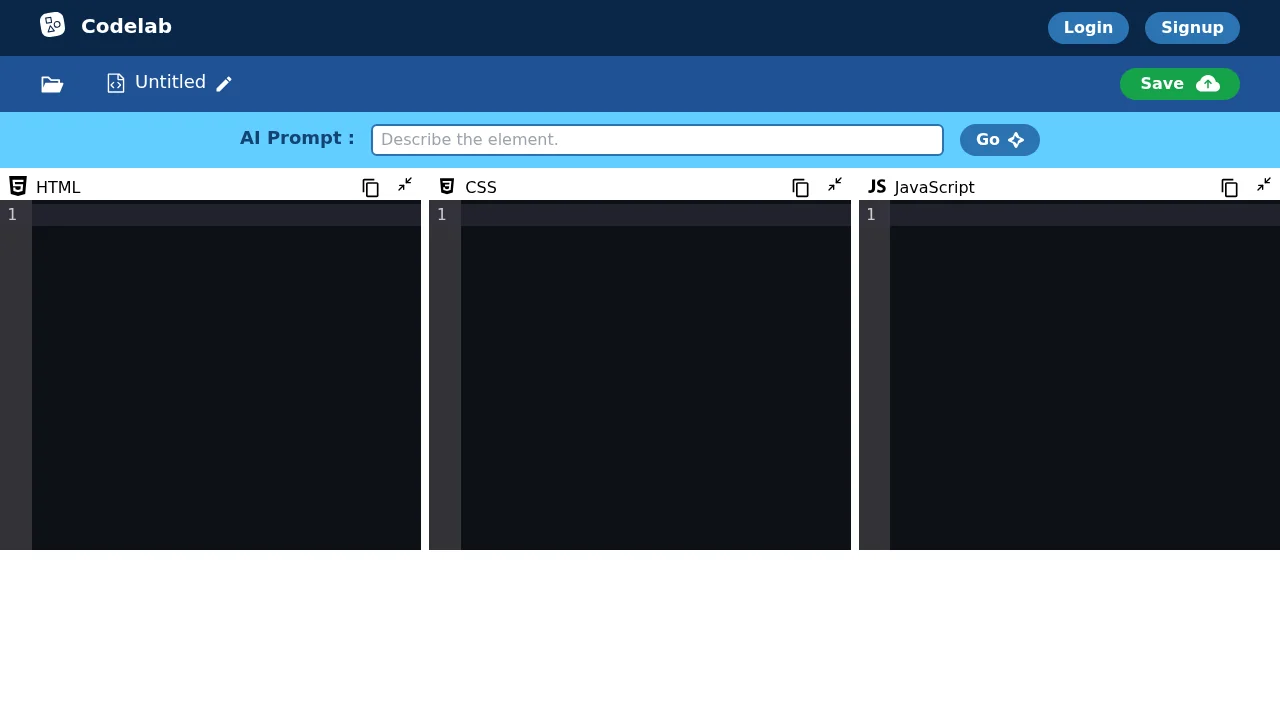
Codelab provides developers with an integrated environment to write, test, and deploy web applications across multiple programming languages. The platform supports HTML, CSS, JavaScript, and JSON, making it suitable for frontend development projects of any complexity level. Its intuitive interface reduces friction during the coding process, allowing developers to focus on building rather than managing tools.
The AI Prompt feature accelerates development by generating code suggestions and snippets, helping developers overcome common challenges and reduce time spent on repetitive tasks. This integration of artificial intelligence streamlines the development workflow, particularly for developers seeking faster iteration cycles or learning new syntax patterns.
Collaboration capabilities enable teams to work together seamlessly, with built-in project sharing and saving features that enhance team productivity and project accessibility. Developers can store their work securely and invite team members to contribute, review, and build upon existing code within the same environment.
Codelab supports iterative development practices, allowing developers to experiment, analyze, and refactor code progressively. The platform provides guidance and support features to help developers navigate challenges and troubleshoot issues during their development process, making it accessible for both beginners and experienced professionals.
Pros
Cons
Alternatives to Codelab
CodeRabbit
Kilo | Code Reviewer
Verdent
Base44
Rocket
Pulse Editor: Vibe Code & Automate
Mocha