
Qodo (Formerly Codium)
Qodo is an AI-powered test generation tool that helps developers write comprehensive tests faster and catch bugs before deployment.
Qodo (Formerly Codium) at a glance
- Pricing
- Free — from $30/month
- Rating
- ⭐ 5.0/5 · 4 reviews
- Key strengths
- AI analyzes code context to generate relevant, meaningful test cases · Real-time test suggestions improve development workflow efficiency · Detects edge cases and boundary conditions automatically
Screenshots
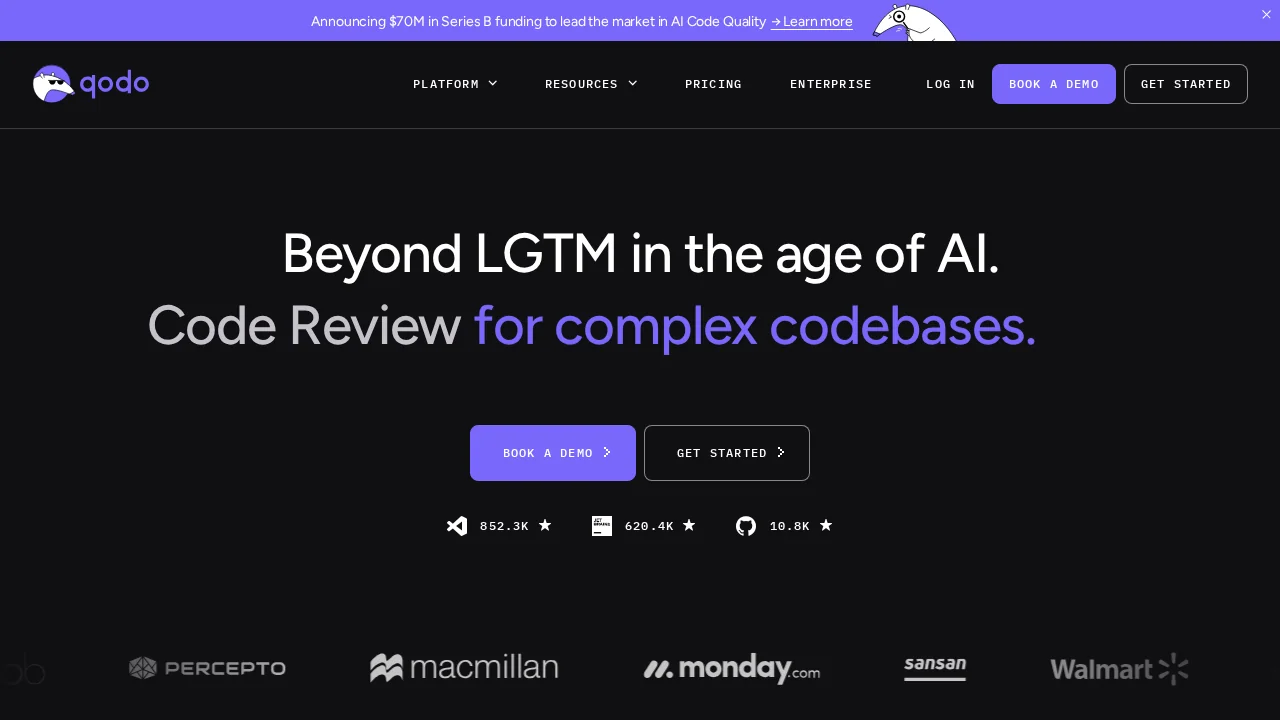
About Qodo (Formerly Codium)
Qodo accelerates the software development lifecycle by automating test creation through intelligent code analysis. The platform examines source code, docstrings, and comments to generate meaningful test cases that align with your codebase's actual behavior and intent. This AI-driven approach reduces the manual effort required to build robust test suites while improving code quality and reliability.
The tool employs sophisticated testing strategies to ensure comprehensive coverage, including edge case detection and parameter boundary testing. By identifying potential failure points that developers might overlook, Qodo helps catch bugs early in the development cycle before they reach production environments. Real-time test suggestions as you code enable seamless integration into your existing development workflow without disrupting your coding rhythm.
Developers benefit from faster feedback loops and more confident deployments. With Qodo handling the heavy lifting of test generation, teams can focus on solving complex business problems rather than spending hours writing boilerplate test code. The platform's intelligent analysis ensures that generated tests are not just numerous, but meaningful and maintainable, reducing technical debt and improving overall code health.
Pros
Cons
Alternatives to Qodo (Formerly Codium)
CodeRabbit
Kilo | Code Reviewer
Verdent
Base44
Rocket
Pulse Editor: Vibe Code & Automate
Mocha