
Contextli
Contextli is an AI speech-to-text tool that converts natural speech into formatted text for email, Slack, and professional workflows.
Contextli at a glance
- Pricing
- Free — from $9/month
- Rating
- ⭐ 5.0/5 · 1 reviews
- Key strengths
- Context-aware formatting adapts output to specific workflows and platforms · Local processing mode keeps sensitive data on your device · Works across many apps including email, chat, code editors, and spreadsheets
Screenshots
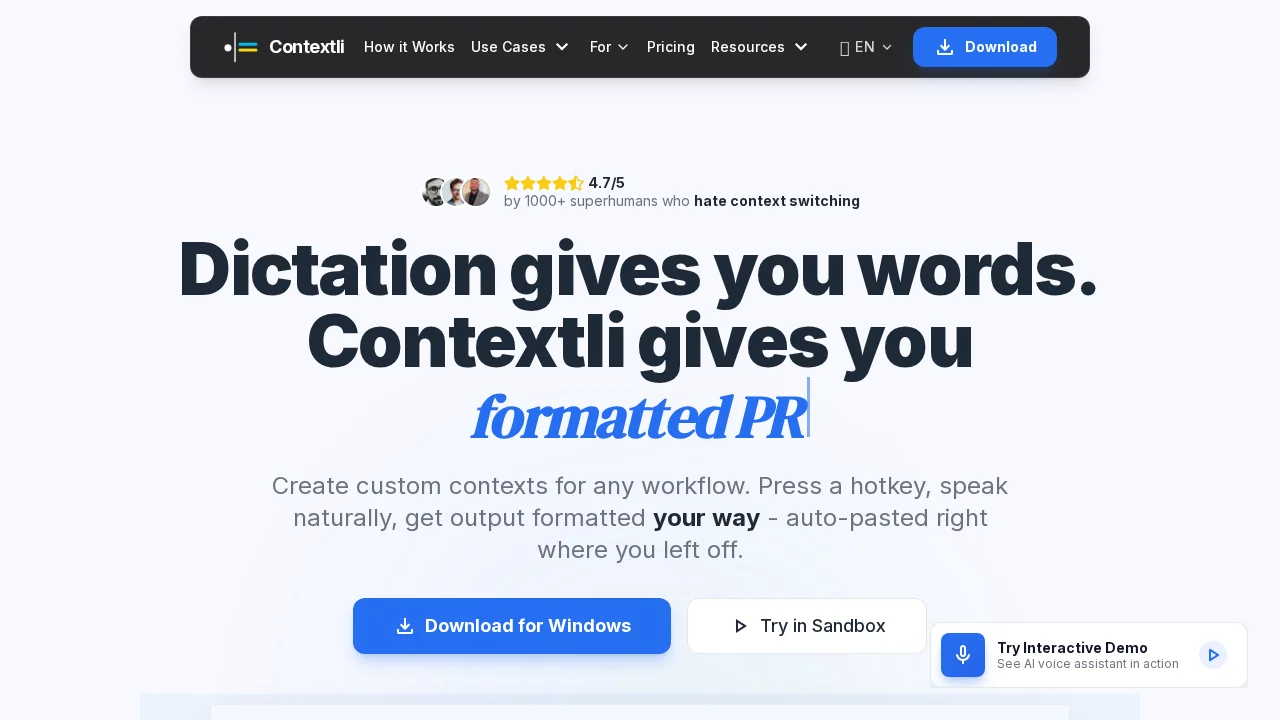
About Contextli
Contextli transforms how professionals capture and communicate information by converting spoken words into perfectly formatted written content. Using context-aware processing, the tool understands the intent behind your speech and adapts the output to match your specific needs—whether you're drafting emails, updating project tickets, or creating meeting notes. Simply activate the hotkey, speak naturally, and let the AI handle the formatting and tone adjustment.
The platform's custom context feature allows you to define rules and templates for any workflow you regularly perform. This means repetitive tasks like status updates, email replies, or documentation become faster and more consistent. The auto-paste functionality seamlessly inserts your converted text directly into your active application, eliminating the friction between speaking and writing.
Contextli prioritizes security and privacy by offering a local processing mode where your audio and text never leave your device. This makes it ideal for professionals handling confidential information, sensitive client communications, or proprietary data. The tool works across multiple platforms and applications, including Chrome, VS Code, Excel, WhatsApp, and GitHub, with dedicated desktop apps for macOS, Windows, and Linux. By reducing context-switching and manual typing, Contextli helps professionals reclaim time and mental energy for higher-value work.
Pros
Cons
What is Contextli used for?
- Email writing
- Audio to articles
- Voice message transcription
- Writing assistance
Alternatives to Contextli
FastlyConvert
GetLogit
Bubbles Notetaker
ViralOps
MyImagineer
ReadPDFAloud.com
PodShrink