
EditAI - AI Photo Editor
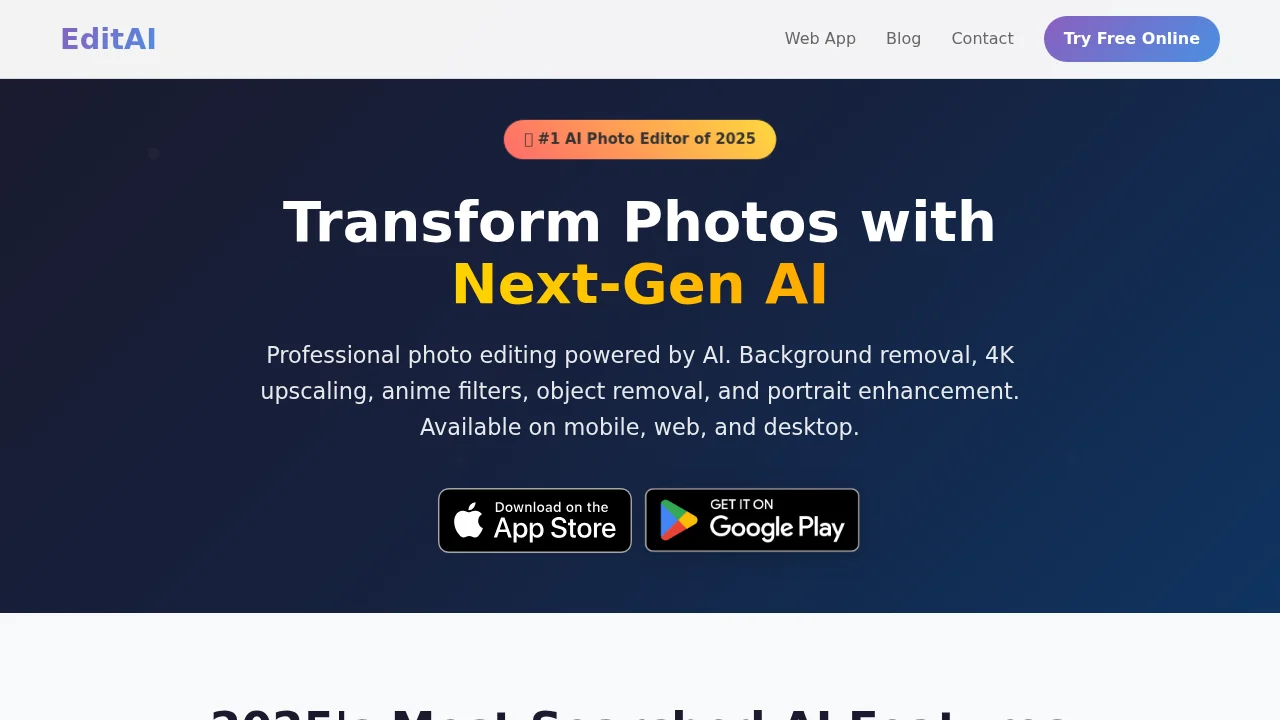
EditAI is an AI photo editor with instant background removal, 4K upscaling, and 500+ filters for mobile, web, and desktop.
EditAI - AI Photo Editor at a glance
- Pricing
- Free — from $10/month
- Rating
- ⭐ 2.5/5 · 4 reviews
- Key strengths
- Accurate background removal ideal for product and portrait photos · 4K upscaling enhances image quality for professional use · 500+ trending filters including anime and Lo-Fi aesthetics
Screenshots
About EditAI - AI Photo Editor
EditAI is a cross-platform AI photo editor designed to streamline professional and creative photo editing workflows. Available on iPhone, iPad, Android, and desktop, the tool combines intelligent automation with extensive creative options, making it accessible for both casual users and content creators who need polished results without extensive technical knowledge.
The app excels at background removal with high accuracy, making it ideal for e-commerce product photography, portrait editing, and social media content. Its 4K upscaling feature enhances photo resolution for professional-quality output, while the intelligent object removal tool lets users eliminate distracting elements, unwanted people, or text from images seamlessly. These core functions address common editing pain points with speed and precision.
Creative styling options set EditAI apart for social media and artistic projects. The tool includes anime conversion, Chibi character transformation, and Studio Ghibli-inspired filters alongside over 500 trending effects—from watercolor and vintage to clay and pixel art aesthetics. Users can apply Lo-Fi effects with vintage grain and light leaks, and access professional portrait retouching that enhances facial features and smooths skin for refined headshots.
Whether you need practical editing solutions like background removal and object elimination or want to explore creative visual styles, EditAI combines performance with versatility across multiple devices and platforms.
Pros
Cons
Alternatives to EditAI - AI Photo Editor
Chronostates
Remove Sora Watermark.ai
Remove Sora Watermark.video
AI Image Extender.io
Klayn
TruShot App
AI Enhance Image.com