File Transcribe
File Transcribe converts audio and video into accurate text with speaker identification and multilingual support.
File Transcribe at a glance
- Pricing
- Free — from $19/month
- Rating
- ⭐ 4.2/5 · 5 reviews
- Key strengths
- Accurate multi-speaker diarization identifies and labels each speaker automatica · Supports 100+ languages with built-in translation for global workflows · Emotion and intent detection provides deeper content insights
Screenshots
About File Transcribe
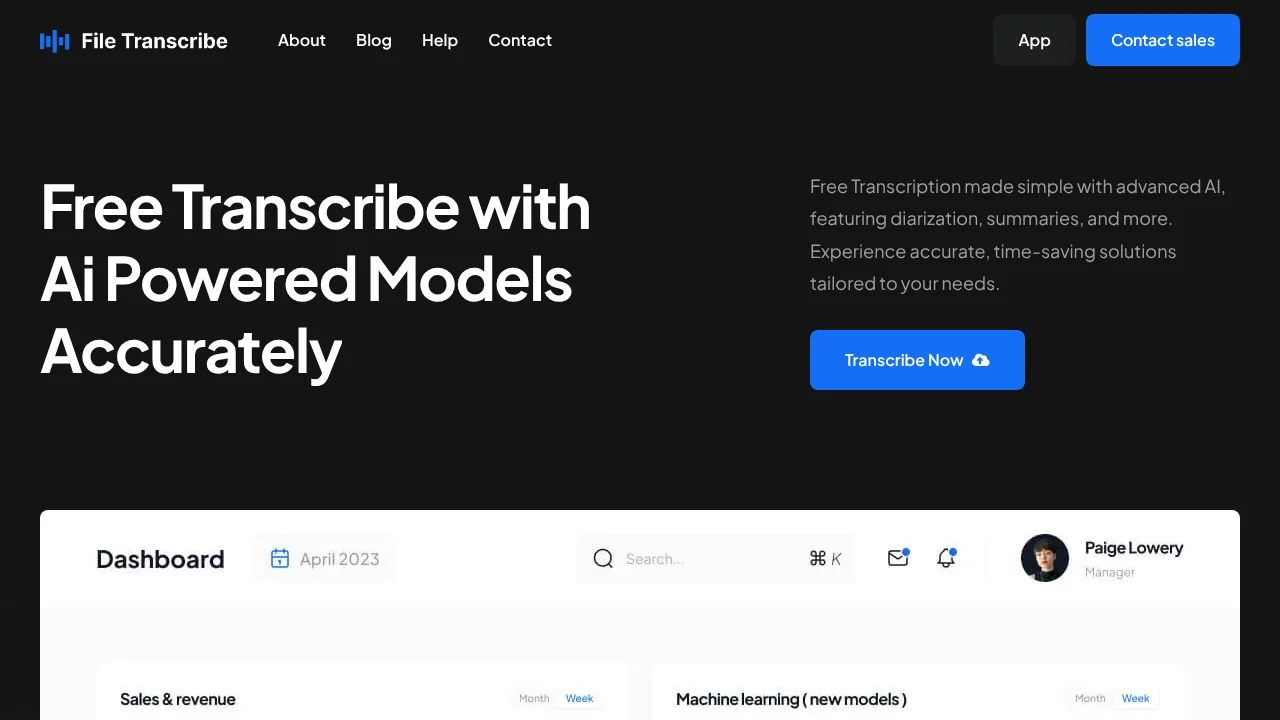
File Transcribe delivers enterprise-grade transcription powered by advanced AI, transforming audio and video files into precise text documents in seconds. The platform excels at handling complex conversations through intelligent diarization, automatically identifying and labeling different speakers—essential for interviews, meetings, and multi-person discussions. This capability eliminates manual speaker attribution and saves significant editing time.
Beyond basic transcription, File Transcribe analyzes content depth through speaker detection, topic identification, and intent analysis. The emotion detection feature reveals the sentiment behind spoken words, providing insights beyond transcription alone. For lengthy recordings, automatic summarization condenses key points, helping users quickly grasp essential information without reviewing entire transcripts.
The platform supports over 100 languages with seamless translation capabilities, making it invaluable for global teams and international content. Users can customize output formats including SRT and VTT captions for video integration, remove filler words for cleaner transcripts, and select preferred languages and processing options. This flexibility ensures transcriptions align with specific workflow requirements.
File Transcribe combines an intuitive interface designed for all skill levels with a responsive support team providing expert assistance. Scalable pricing plans accommodate individual creators, small teams, and expanding enterprises, with automation features that minimize manual intervention and maximize productivity across different use cases.
Pros
Cons
Alternatives to File Transcribe
Video to Text.net
autokeyworder
Sleekio
FastlyConvert
VoxTap
Velma Transcribe by Modulate
FastScribeX