
JDoodle
JDoodle is an online IDE that lets you code, compile, and run programs instantly across multiple languages.
JDoodle at a glance
- Pricing
- Free — from $4.99/month
- Rating
- ⭐ 5.0/5 · 1 reviews
- Key strengths
- Instant online compilation and execution across multiple programming languages · No installation required—start coding immediately in any browser · Built-in sharing functionality for collaborative learning and code reviews
Screenshots
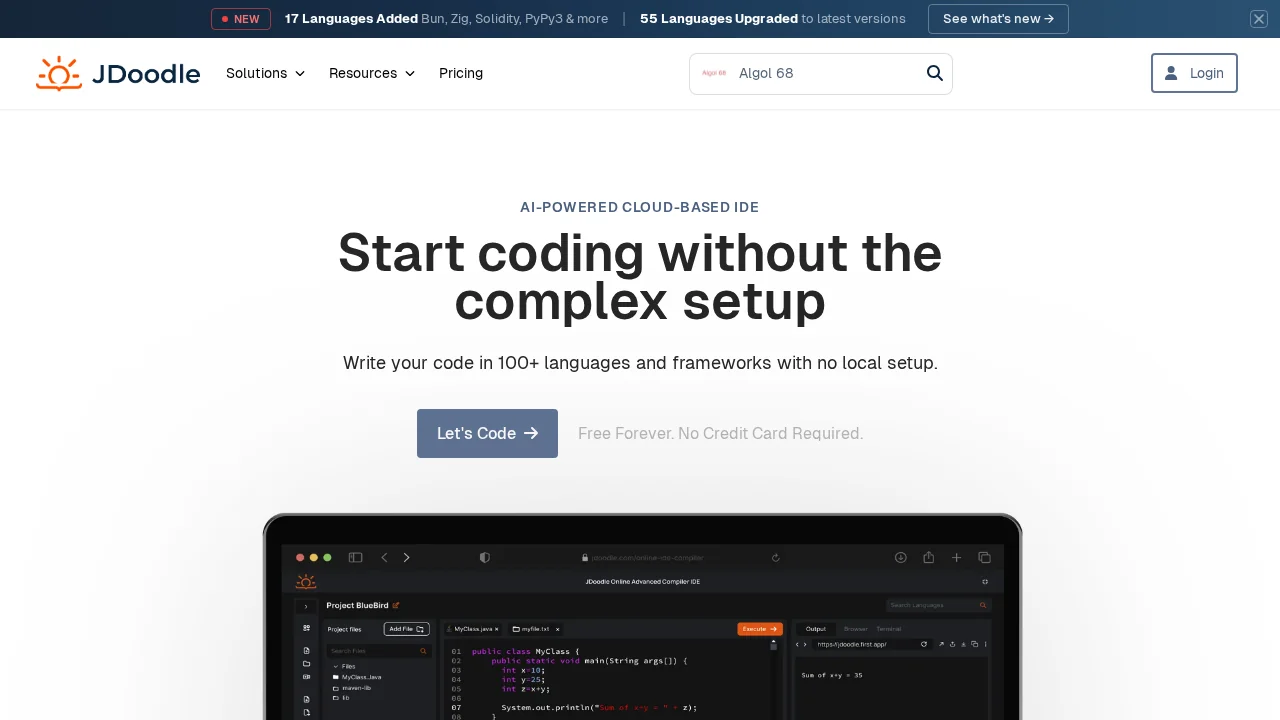
About JDoodle
JDoodle eliminates the friction of local development setup by providing a browser-based integrated development environment where you can write, test, and execute code in seconds. Whether you're learning programming fundamentals, experimenting with syntax, or solving algorithmic challenges, the platform supports Java, C, C++, PHP, Perl, Python, Ruby, and other languages, making it a versatile tool for developers at any skill level.
The instant code execution capability transforms how you approach coding workflows. Rather than installing compilers, managing dependencies, or configuring environments, you access a ready-to-use editor that compiles and runs your code on remote servers. This streamlined approach is particularly valuable for educational settings, technical interviews, and rapid prototyping where speed and accessibility matter more than advanced IDE features.
Collaboration is built into JDoodle's design. You can save your code snippets and generate shareable links, enabling seamless knowledge transfer and pair programming without complicated setup. This makes it ideal for code reviews, teaching moments, and documenting solutions for team reference.
The platform's simplicity comes with practical tradeoffs. For lightweight coding tasks, quick testing, and learning environments, JDoodle delivers exceptional value. However, it's designed for straightforward coding scenarios rather than complex project development that requires local file systems, integrated debugging tools, or version control integration.
Pros
Cons
Alternatives to JDoodle
CodeRabbit
Kilo | Code Reviewer
Verdent
Base44
Rocket
Pulse Editor: Vibe Code & Automate
Mocha