Linkly AI
Linkly AI transforms your local documents into an AI-ready knowledge base with semantic search across 100+ languages.
Linkly AI at a glance
- Pricing
- Free — from Free
- Rating
- ⭐ 5.0/5 · 1 reviews
- Key strengths
- Local execution ensures complete privacy—documents never leave your computer · Semantic search across 100+ languages with multilingual model support · Lightweight design with optimized resource usage and fast query response
Screenshots
About Linkly AI
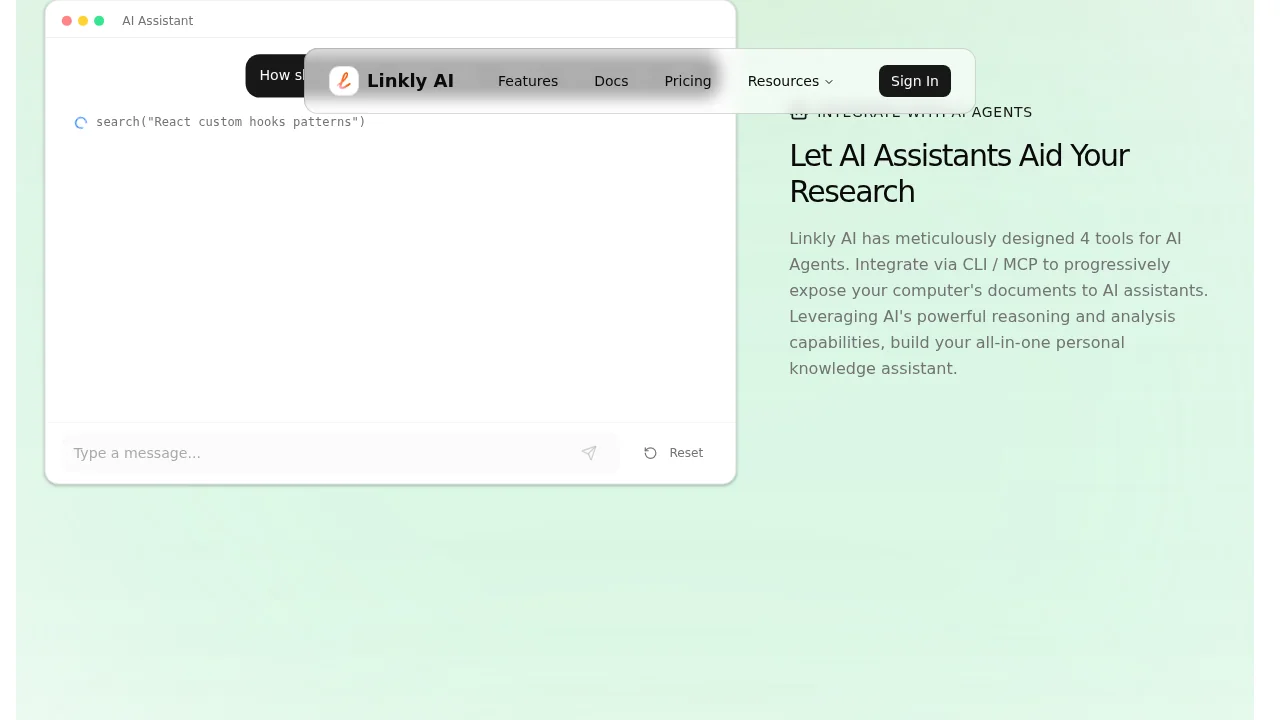
Linkly AI is a local document search engine that bridges your personal document collection with AI tools, eliminating the need to manually feed entire files to language models. By indexing documents on your computer—including PDF, DOCX, HTML, and Markdown formats—it creates a searchable knowledge base that AI agents can query intelligently. This approach reduces processing overhead and ensures your documents remain private, never leaving your local system.
The semantic search capability allows you to retrieve relevant information using keywords, natural language phrases, or descriptive sentences, with cross-language matching across more than 100 languages powered by a local multilingual model. Rather than processing entire documents blindly, Linkly AI reveals only the most relevant sections to your AI workflows, enabling faster, more focused interactions. This targeted retrieval is particularly valuable for large-scale research, document analysis, and knowledge management tasks.
Integration is straightforward through Command Line Interface (CLI) or Message Communication Protocol (MCP) methods, making it compatible with various AI agents and automation workflows. The tool's lightweight design optimizes resource usage, while fast indexing and query response times ensure real-time AI workflows run smoothly. A clean, keyboard-friendly interface supports efficient document management without unnecessary complexity, allowing you to focus on leveraging AI capabilities effectively for your research and analysis needs.
Pros
Cons
What is Linkly AI used for?
- Search
- Agents
- Research
- Reading
Alternatives to Linkly AI
remio: Your Personal ChatGPT
Kolva
Prosetta
Knowledge Plane
SurfSense
Recall
Cleve