MimicPC
MimicPC offers instant browser-based access to 20+ AI apps without downloads or installation required.
MimicPC at a glance
- Pricing
- Free
- Key strengths
- Instant access to 20+ AI apps without installation or setup · Cloud-based file management with one-click deployment · Automatic performance optimization and resource allocation
Screenshots
About MimicPC
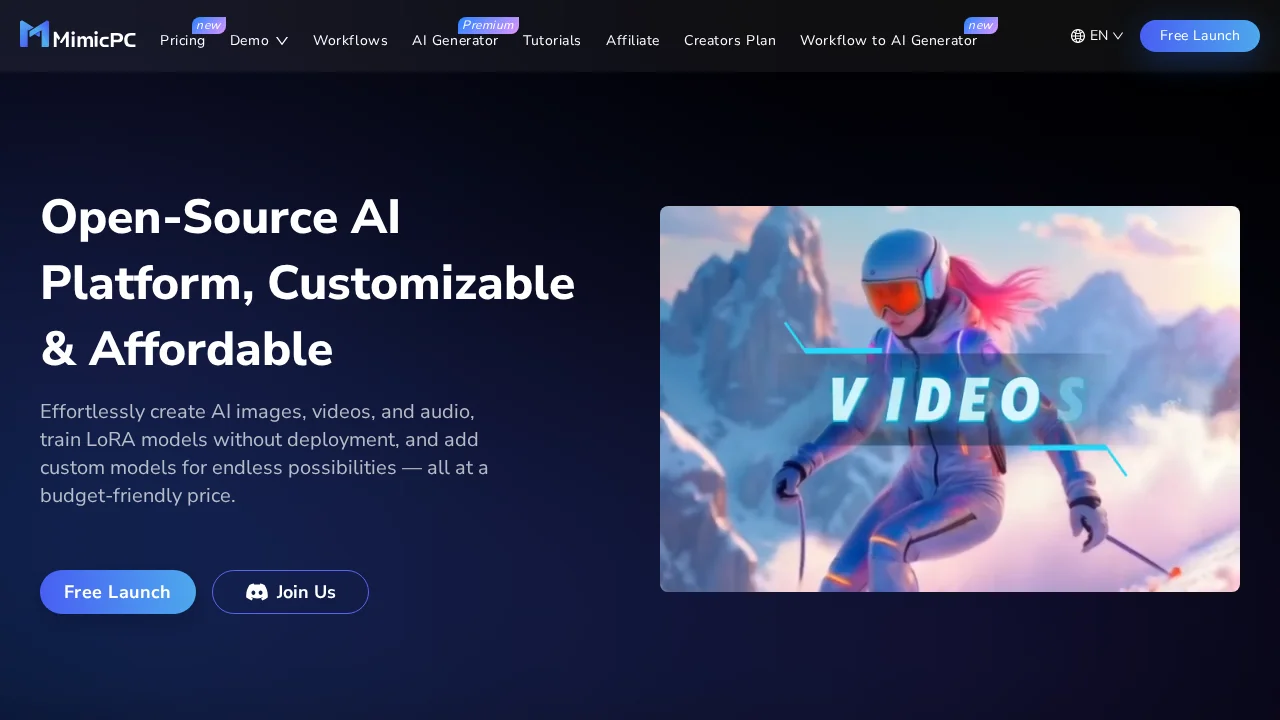
MimicPC streamlines AI tool access by eliminating installation friction and technical setup barriers. Users can launch over 20 pre-deployed AI applications directly from their browser, including specialized image and voice transformation tools, with a single click. This instant-access model makes advanced AI capabilities accessible to users regardless of technical expertise or device constraints.
The platform provides comprehensive cloud-based file management, allowing users to upload files and deploy AI models seamlessly without local storage limitations. This approach enables workflows that span multiple applications while maintaining centralized control over assets and outputs. The cloud infrastructure supports one-click deployment, reducing the learning curve for managing complex AI processes.
Performance optimization is built into MimicPC's infrastructure through adaptive resource allocation that automatically adjusts computing resources based on application demands. The platform includes an Intelligent Energy-Saving mode that monitors and optimizes GPU usage, helping users reduce operational costs without sacrificing functionality. This efficiency-focused design makes the platform suitable for both individual users and organizations seeking cost-effective AI tool access.
Features
- Instant App Launches: Start using applications with a single click, no installation required.
- Pre-Deployed AI Apps: Access over 20 AI applications, including image and voice transformation tools, without any setup.
- Cloud-Based File Management: Manage your files and AI models anytime through cloud uploads and one-click deployment.
- Adaptive Performance: Automatically adjusts computing resources to optimize application performance.
- Energy Efficiency: Features an Intelligent Energy-Saving mode that monitors and adjusts GPU usage to reduce costs.
Pros
Cons
MimicPC Pricing Plans
Medium Tier
$0.49
SDXL Tier
$0.99