
RowSpeak
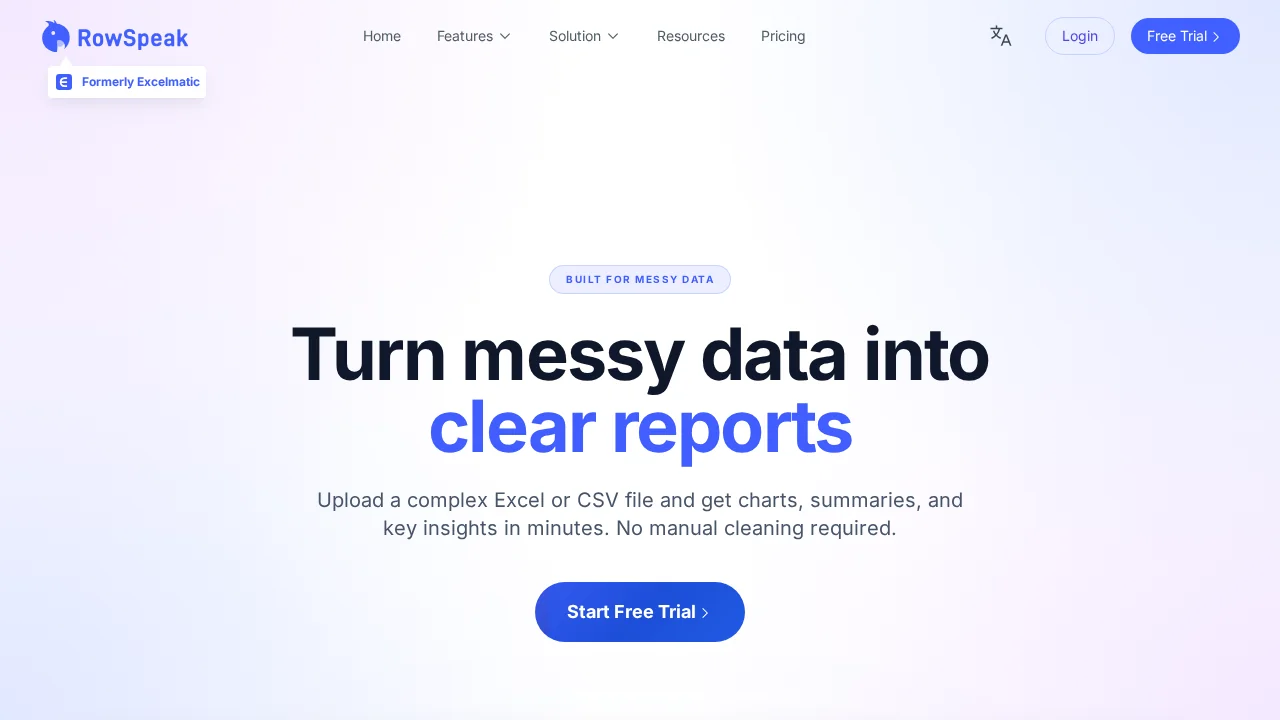
RowSpeak transforms messy spreadsheets into polished, presentation-ready reports using AI-powered data analysis.
RowSpeak at a glance
- Pricing
- Paid
- Key strengths
- Requires no formula or SQL knowledge—ask questions in plain English · Handles messy, inconsistent data automatically and intelligently · Generates presentation-ready charts and business-context summaries
Screenshots
About RowSpeak
RowSpeak is an AI spreadsheet assistant that eliminates the need for complex formulas or SQL knowledge. Ask questions about your data in plain English and receive instant aggregations, filters, and visualizations. Whether your spreadsheet has inconsistent naming conventions, missing values, or shifting export formats, RowSpeak's intelligent parsing automatically detects headers, dimensions, measures, and underlying business semantics to deliver accurate results.
The platform goes beyond simple data retrieval by understanding business context. It infers core metrics, identifies trends, flags anomalies, and organizes insights around the questions that matter to your organization. Rather than overwhelming users with raw tables, RowSpeak contextualizes numbers and highlights what's actually important.
Output is designed for immediate professional use. Generate publication-ready charts, structured text summaries, and context-rich numbers suitable for slide decks, email reports, and Slack updates. This report-quality formatting means less time reformatting data and more time acting on insights. Teams can transform raw spreadsheet exports into compelling narratives without manual data wrangling.
Features
- AI Spreadsheet Assistant: Users can ask questions about Excel-style data in plain English and get instant aggregations, filters, and charts without formulas or SQL.
- Messy Data Understanding: Automatically detects headers, dimensions, measures, and likely business semantics, even with inconsistent naming, missing values, or shifting export formats.
- Business-Aware AI Analysis: Infers core metrics, highlights trends, flags anomalies, and organizes output around common business questions instead of only listing raw tables.
- Report-Quality Output: Generates charts, structured text summaries, and “numbers with context” that look ready for slide decks, email updates, or Slack threads.
Pros
Cons
RowSpeak Pricing Plans
Essential
$9.90 per month
Professional
$29.90 per month
Premium
$59.90 per month