
Scanboy
ScanBoy is an iOS document scanner that uses AI to create searchable PDFs with automatic intelligent naming.
Scanboy at a glance
- Pricing
- Free — from $0.99
- Rating
- ⭐ 1.0/5 · 1 reviews
- Key strengths
- AI-powered OCR creates searchable, selectable text in PDFs · Intelligent filename generation saves time on document naming · High-quality scanning with flexible storage organization
Screenshots
About Scanboy
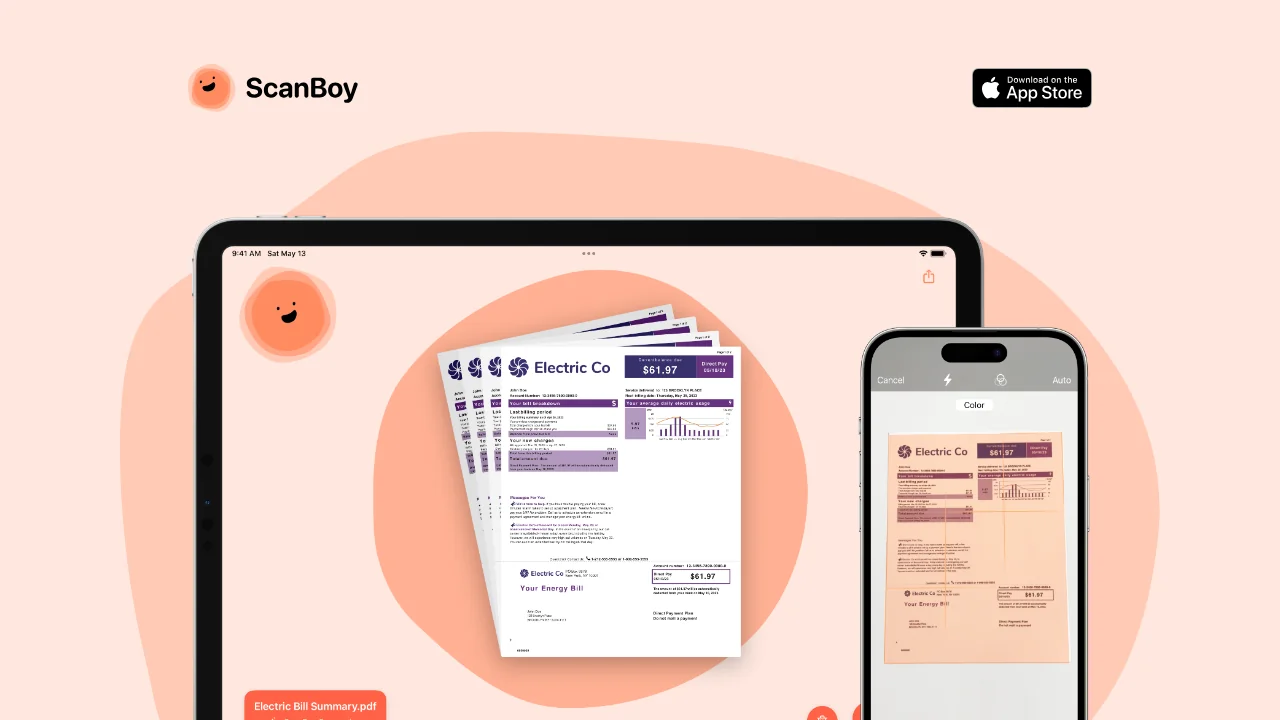
ScanBoy transforms your iPhone or iPad into a powerful document scanning tool powered by artificial intelligence. The app captures physical documents and converts them into high-quality, searchable PDFs with selectable text, making it easy to extract, copy, and interact with scanned content. This capability is particularly valuable for professionals, students, and anyone who needs to digitize paper documents quickly and efficiently.
At the core of ScanBoy's functionality is advanced optical character recognition technology that processes every scanned document instantly. The OCR algorithm enables text selection within your PDFs, allowing you to search, edit, and reuse content from your scanned materials without retyping. This feature significantly accelerates workflows that involve managing multiple documents daily.
One standout feature is ScanBoy's AI-powered filename generation. Rather than manually naming each scanned document, the app intelligently analyzes document content and suggests concise, relevant filenames automatically. This saves considerable time when processing batches of similar documents, though users who prefer manual control can easily override these suggestions and create custom names instead.
Document organization is streamlined through flexible folder storage options, allowing you to save scanned documents exactly where you need them. The app prioritizes user privacy with a clear privacy policy, giving you confidence in how your data is handled throughout the scanning and storage process.
Pros
Cons
Alternatives to Scanboy
Examino