SheetQuery
SheetQuery brings SQL power to Google Sheets for advanced data analysis and bulk operations.
SheetQuery at a glance
- Pricing
- Paid — from $0.02/unit
- Rating
- ⭐ 5.0/5 · 1 reviews
- Key strengths
- Full SQL capabilities on Google Sheets data without external databases · Bulk operations streamline large-scale data updates and consolidations · Import and merge data from APIs and multiple sheets seamlessly
Screenshots
About SheetQuery
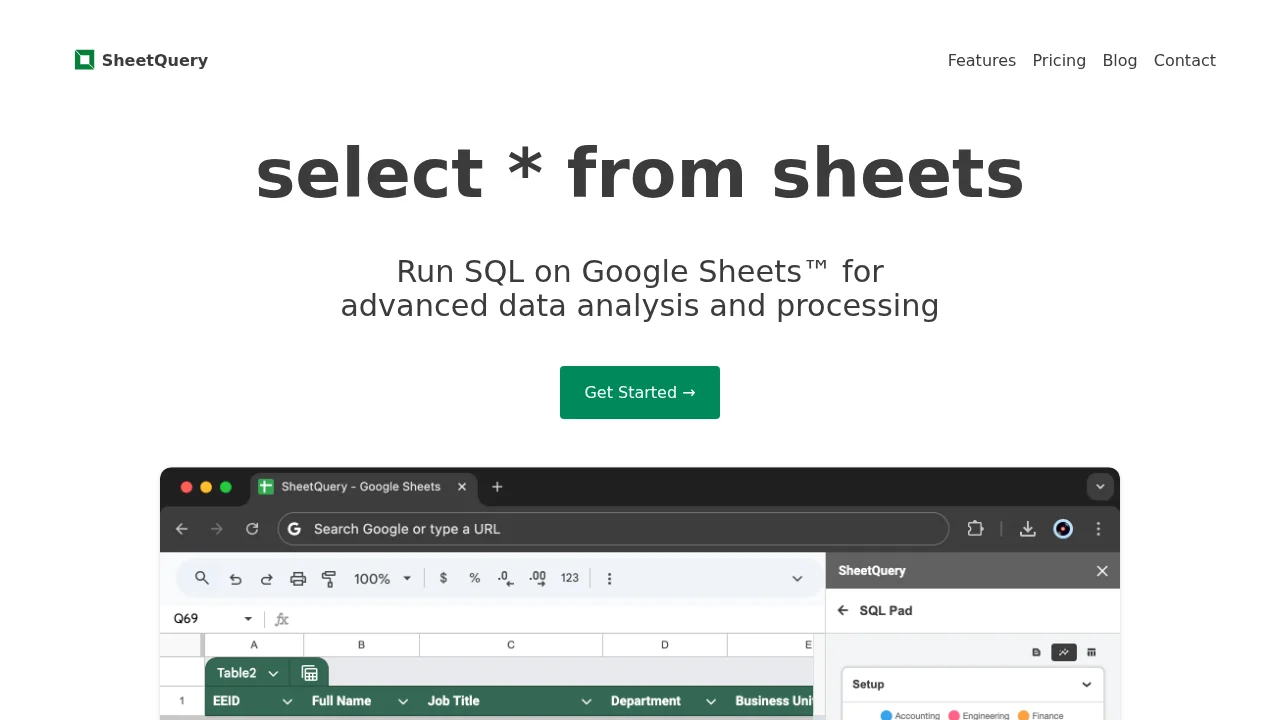
SheetQuery transforms Google Sheets into a powerful data analysis platform by enabling users to write SQL queries directly against their spreadsheet data. Instead of relying on limited built-in functions, users gain access to the full capabilities of SQL—including joins, unions, window functions, and common table expressions—to extract insights and manipulate data with precision.
The tool excels at handling complex data processing tasks that would otherwise require manual workarounds or external tools. Users can perform departmental salary summations, apply dynamic conditions for bulk task updates, and execute sophisticated analytical operations without leaving Google Sheets. This streamlines workflows for teams managing large datasets and complex reporting requirements.
Beyond querying, SheetQuery provides extensive data manipulation capabilities including bulk updates, bulk deletes, and bulk inserts using SQL syntax. Users can consolidate data from multiple sheets into a single source, import JSON data directly from APIs, and maintain data consistency across their spreadsheet ecosystem. These operations maintain referential integrity and apply complex filtering conditions that would be tedious to execute manually.
The flexible pay-as-you-go pricing model eliminates subscription commitments, allowing teams to purchase query credits only when needed. This approach suits both occasional users and heavy data processors, making it cost-effective for variable workloads while maintaining the simplicity and accessibility of Google Sheets as the primary interface.
Pros
Cons
Alternatives to SheetQuery
Jam SQL Studio
Sequel
Releem
Parse