
Unitlab Annotate
Unitlab Annotate is an AI-powered collaborative platform that streamlines data annotation for machine learning with automated labeling and quality controls.
Unitlab Annotate at a glance
- Pricing
- Free — from $89/month
- Key strengths
- AI-powered auto-annotation reduces manual labeling time significantly · Supports 123 languages for OCR across multiple document types · On-premises deployment option ensures data privacy and control
Screenshots
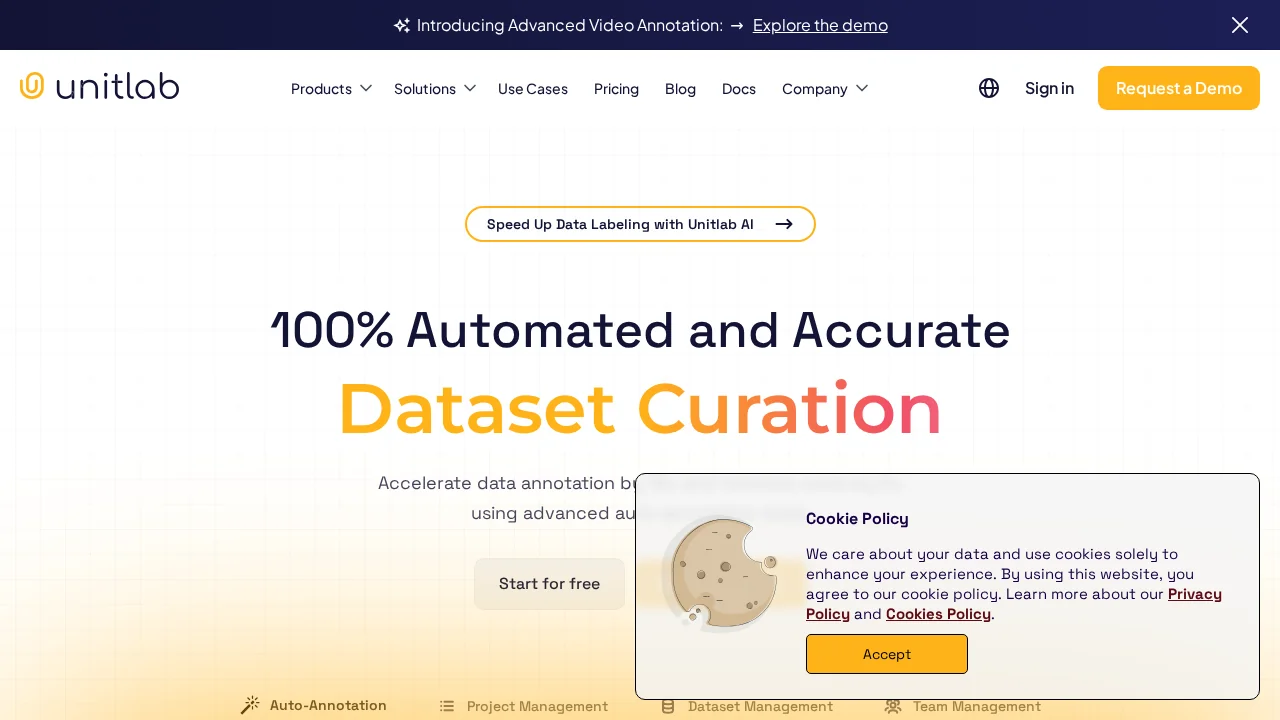
About Unitlab Annotate
Unitlab Annotate accelerates the data annotation workflow by combining advanced AI models with on-premises deployment flexibility. The platform leverages the SAM Model and domain-specific pretrained models to auto-annotate images across computer vision tasks, reducing manual effort while maintaining accuracy. This approach enables teams to scale annotation projects without proportionally increasing costs or timelines.
The platform supports extensive OCR capabilities spanning 123 languages, covering Document OCR, Receipt OCR, Handwritten OCR, and Education OCR use cases. Beyond text recognition, Unitlab Annotate includes pretrained object detection models, pose estimation, skeleton tracking, and multi-keypoint detection—eliminating the need to build custom models for common annotation scenarios.
Collaboration features strengthen team productivity through real-time project statistics, performance dashboards, and integrated communication channels. Annotators receive instant feedback and can coordinate directly within the platform, improving consistency and reducing rework cycles. The AI assistant further enhances efficiency by allowing users to specify annotation regions and completing tasks in seconds.
For technical users, the Command Line Interface and Software Development Kit enable programmatic project management and integration with existing data pipelines. Combined with granular quality tracking and cost-control mechanisms, Unitlab Annotate serves as a comprehensive solution for enterprises managing large-scale annotation workflows.
Pros
Cons
Alternatives to Unitlab Annotate
Youanai