UXMagic AI
UXMagic AI accelerates UI/UX design with AI-powered wireframes and interfaces built 10x faster.
UXMagic AI at a glance
- Pricing
- Free — from $17.50/month
- Rating
- ⭐ 3.0/5 · 2 reviews
- Key strengths
- Dramatically accelerates design cycles with AI generation from multiple input ty · Supports custom design systems and brand-specific visual guidelines · Integrates with Figma, code editors, and development workflows
Screenshots
About UXMagic AI
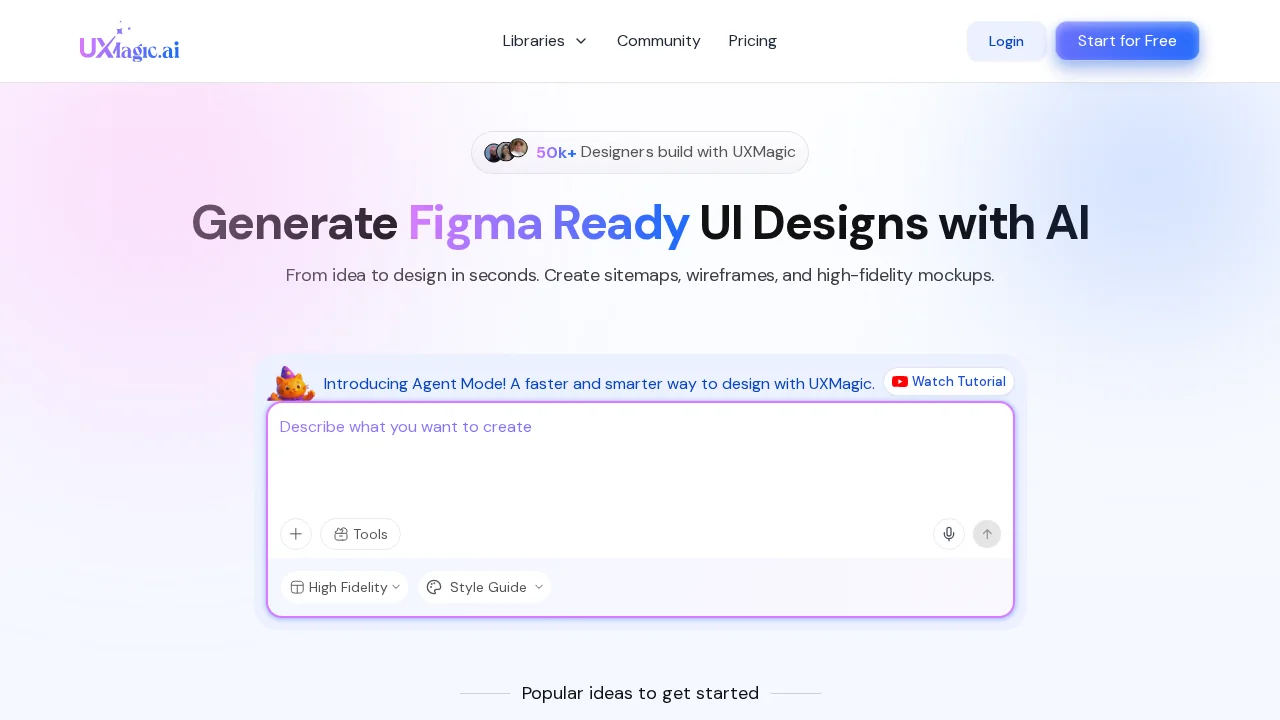
UXMagic AI transforms design workflows by combining artificial intelligence with intuitive prompt-based creation. Teams can generate polished wireframes and user interfaces in minutes rather than hours, whether starting from scratch or refining existing designs. The platform accepts multiple input formats—natural language prompts, design documents, hand-drawn sketches, and imported Figma files—giving designers flexibility in how they ideate and communicate concepts.
The tool supports creation across multiple product types including websites, SaaS applications, and mobile apps. Users can apply any existing design system or establish their own custom visual style, ensuring consistency with brand guidelines while maintaining design velocity. This flexibility makes UXMagic AI suitable for teams with established design standards as well as those building from their own aesthetic foundations.
Seamless integration with popular design and development platforms extends the tool's utility throughout the product creation pipeline. Direct connections to Figma, code editors, and Cursor enable smooth handoffs between design and implementation phases, reducing friction and rework. The platform's multi-format support and cross-platform compatibility make it accessible to diverse team structures and existing tool ecosystems.
Pros
Cons
Alternatives to UXMagic AI
Askiva AI
Framehouse Design
Tattoo AI Design | Try On
Redesignr Ai - website redesign and landing page builder
Tattoo AI Design
Izbaviz
Viewra