
Walling AI
Walling AI transforms ideas into organized projects with AI-generated content, tasks, images, and structured layouts.
Screenshots
About Walling AI
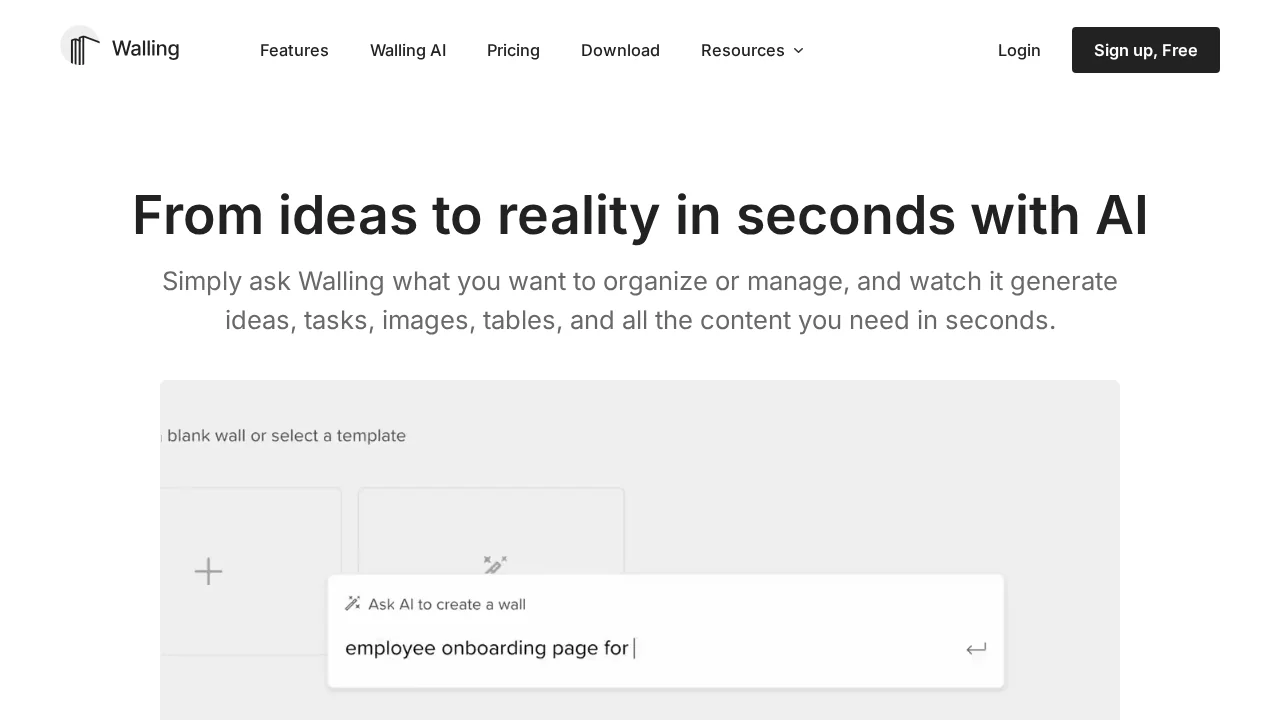
Walling AI is a workspace organization tool that uses artificial intelligence to accelerate the journey from concept to execution. Users describe what they need, and the platform instantly generates relevant ideas, actionable tasks, visual assets, and formatted content—eliminating the paralysis of blank pages and enabling rapid project initialization.
The platform's core strength lies in its structured approach to content creation through customizable wall bricks, boards, pages, and tables. Rather than producing raw text, Walling AI organizes outputs into meaningful formats that support brainstorming, project planning, and team collaboration. This design-first methodology reduces friction in the creative process while maintaining clarity across complex projects.
Visual planning is enhanced through AI-generated images and mood boards, allowing users to translate abstract visions into concrete visual references. Simultaneously, the platform automates administrative workflows—from budgeting tables to timeline calendars—freeing users to focus on creative and strategic work rather than manual organization tasks.
Walling AI offers a free tier with complimentary AI credits, providing genuine opportunity to experience the platform's capabilities before committing to a paid plan. This accessibility makes it suitable for individuals, small teams, and organizations exploring AI-assisted productivity solutions.
Pros
Cons
Alternatives to Walling AI
GetLogit
Vidocu
CASi Scout by Cntent
RepurposingBot
Contents Pilot
ViralCanvas.ai
Soolo.ai - AI Brand Builder