Yakki
Yakki is an AI-powered voice dictation tool that transcribes speech to text with context awareness across multiple applications.
Yakki at a glance
- Pricing
- Free — from $12/month
- Key strengths
- On-device processing with zero cloud upload ensures complete privacy · Works across multiple apps and audio sources on Mac seamlessly · Automatic context adaptation and intelligent cleaning of transcriptions
Screenshots
About Yakki
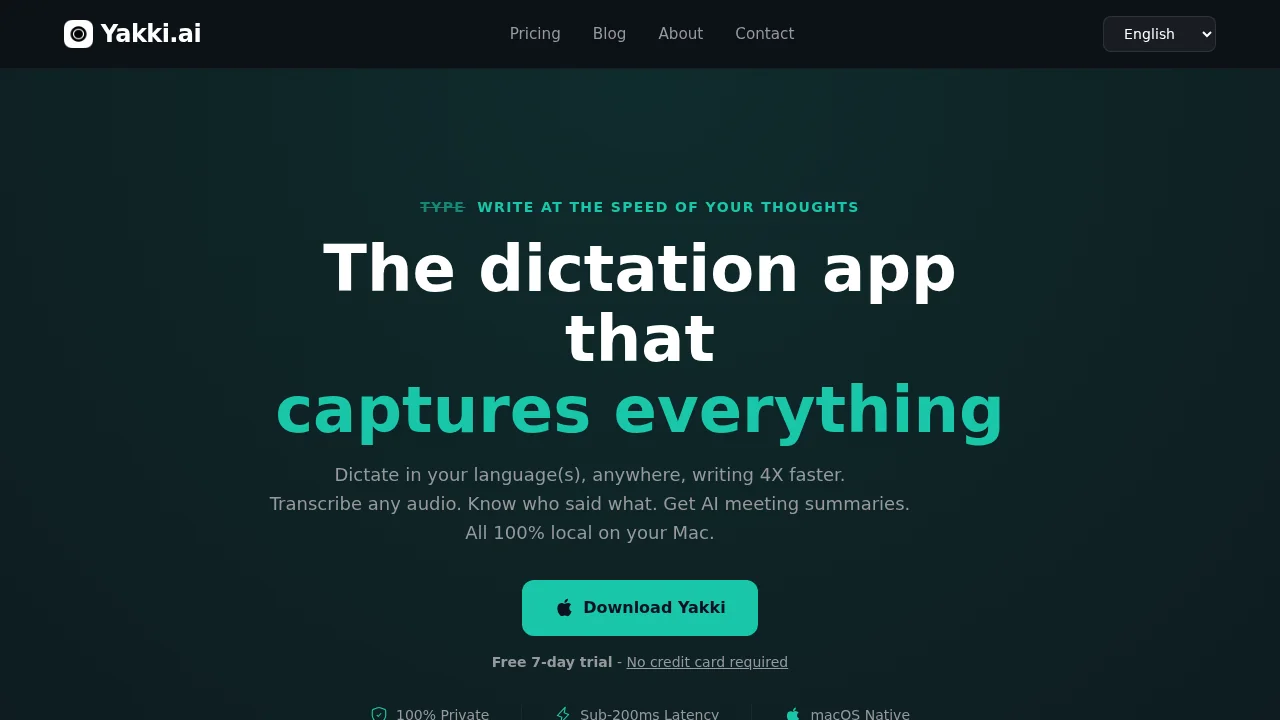
Yakki transforms how you document ideas and communicate by converting spoken words into written text in real time. Whether you're composing emails, taking notes, or crafting Slack messages, the tool automatically adapts to your context, ensuring transcriptions are natural and relevant to what you're working on. This makes it an ideal solution for anyone seeking a faster, hands-free alternative to traditional typing.
The platform supports multiple languages with instant switching capabilities, allowing global teams and multilingual users to work seamlessly without interruption. Beyond basic dictation, Yakki excels at transcribing audio from diverse sources including Zoom, Teams, Safari, and podcast players, effectively turning your Mac into a comprehensive transcription hub for both written and verbal communication.
Privacy and compliance are built into Yakki's core architecture. All transcription processing happens on your device with no data transmitted to external servers, ensuring full HIPAA compliance and keeping your sensitive information completely protected. This on-device approach delivers both peace of mind and reliability for professional and healthcare environments.
Yakki goes beyond simple transcription with intelligent features like speaker diarization, automatic removal of filler words and repetitions, and AI-powered meeting summaries that extract key decisions and action items. These capabilities transform raw audio into polished, actionable content, dramatically increasing productivity for individuals and teams managing high volumes of meetings and notes.
Pros
Cons
Alternatives to Yakki
EchoWrite
CiteTrue
Clico
Freeway
Sleekio
Ping: AI-Powered To Do List
HoldSpeak