
LMStudio
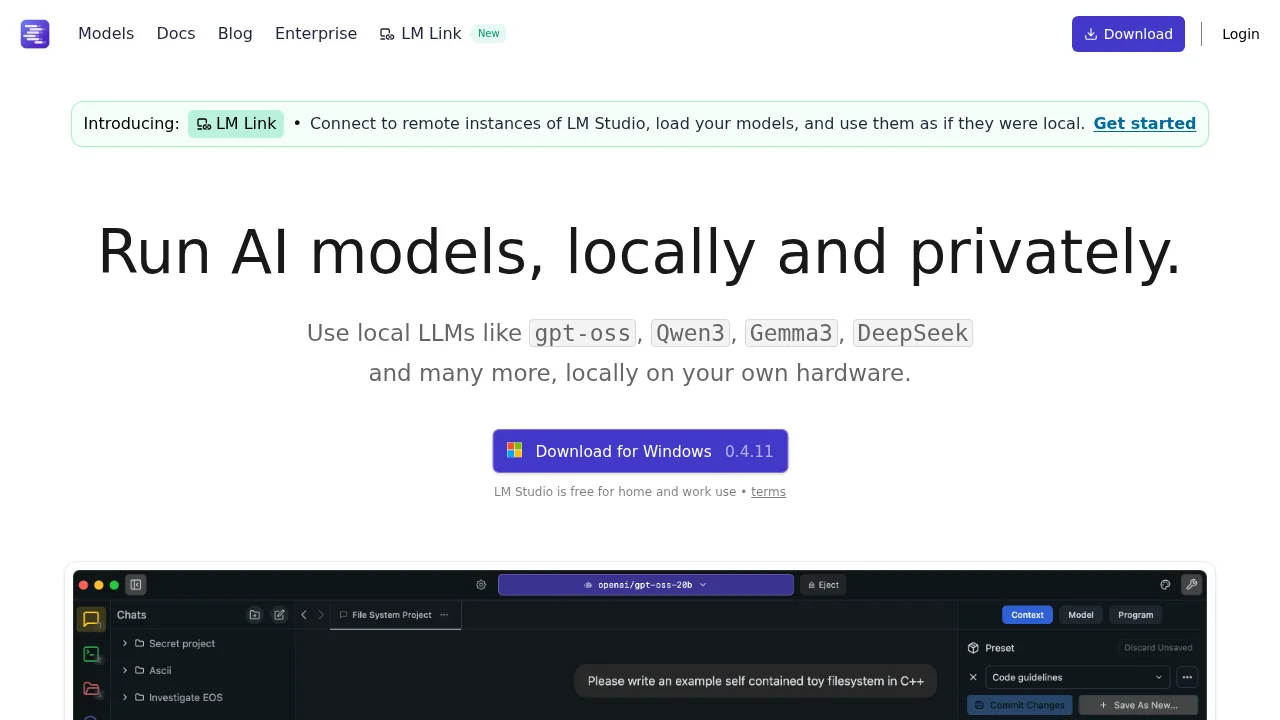
LM Studio is a desktop app for running open-source language models locally without internet.
LMStudio at a glance
- Pricing
- Free — from Free
- Rating
- ⭐ 4.2/5 · 5 reviews
- Key strengths
- Run powerful language models completely offline and locally · GPU acceleration optimizes performance on compatible hardware · Works across Windows, Mac, and Linux platforms
Screenshots
About LMStudio
LM Studio brings powerful language model capabilities directly to your computer, eliminating the need for cloud services or internet connectivity. The application simplifies the process of discovering and deploying ggml-compatible models from major repositories, allowing you to experiment with cutting-edge AI locally. Whether you're a researcher, developer, or AI enthusiast, LM Studio provides an accessible entry point to working with large language models on your own hardware.
The platform's intuitive interface makes model configuration and interaction straightforward, even for users new to running LLMs. You can access models through an integrated chat interface or set up an OpenAI-compatible local server for programmatic access. Built-in model discovery helps you find relevant models quickly, and the application handles downloading and managing model files efficiently within its interface.
Performance optimization is built into LM Studio's core design. The application automatically leverages GPU acceleration when available, significantly speeding up inference on compatible hardware. Cross-platform support means you can run LM Studio on Windows, Mac, or Linux, bringing local AI capabilities to your preferred operating system. Complete offline operation ensures your data and conversations remain private and on-device.
Pros
Cons
Alternatives to LMStudio
88Agents
Modulate
AccuChats
Site2CRM
OC Maker
Chattitude
Lexikon AI: Real Roleplay