
Smart Keys for Mac
Smart Keys for Mac is an AI-powered keyboard tool that instantly enhances writing, fixes grammar, translates text, and optimizes code with custom shortcuts.
Smart Keys for Mac at a glance
- Pricing
- Free
- Key strengths
- Works instantly across all macOS apps with no app switching needed · Fully customizable AI shortcuts tailored to your specific workflow · Free download with no subscription fees for core features
Screenshots
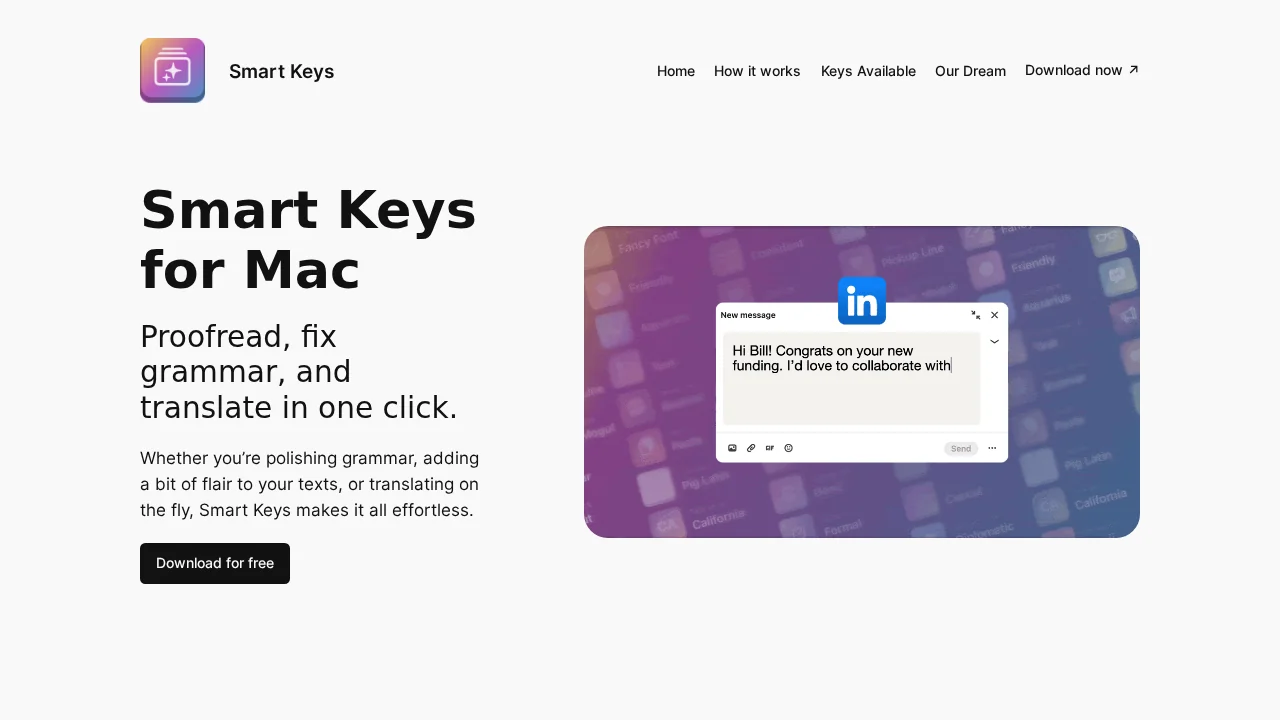
About Smart Keys for Mac
Smart Keys for Mac transforms your macOS workflow by bringing powerful AI capabilities directly to your keyboard. With a simple keystroke—Option ⌥ + S or customizable number-based shortcuts—you can proofread, fix grammar, translate between languages, adjust tone, and optimize code without leaving your current application. The tool eliminates the friction of switching apps or copying text manually, keeping your productivity intact.
The platform comes equipped with an extensive library of pre-built AI shortcuts covering grammar correction, multilingual translation, code commenting, text summarization, and tone refinement. Whether you're a developer, content creator, or language professional, you can browse and activate keys that match your specific needs. The Smart Word feature is particularly innovative, allowing you to input just a single word and let the AI expand, refine, or transform it based on context.
Customization lies at the heart of Smart Keys. You're not limited to preset shortcuts—you can create entirely custom AI keys tailored to your unique workflows, reorder or disable keys you don't use, and build shortcuts around your most frequent tasks. This flexibility makes the tool adaptable to any profession or communication style, from technical documentation to multilingual business correspondence.
Designed with accessibility in mind, Smart Keys breaks down language barriers for non-native English speakers and international teams. It works seamlessly across all macOS applications, integrating into your existing tools without requiring expensive subscriptions or clunky plugins. With free availability on macOS, iPhone, and iPad, it offers a lightweight, cross-platform solution for writers, developers, and professionals seeking faster, smarter text assistance.
Features
- One-click grammar proofreading and fixing
- Real-time translation across multiple languages
- Customizable AI keyboard shortcuts (Option ⌥ + S or number keys)
- Code optimization, commenting, and explanation tools
- Text summarization and tone adjustment
- Create custom AI shortcut keys
- Works across all Mac applications seamlessly
- Smart Word feature for single-word AI prompts