Workmate
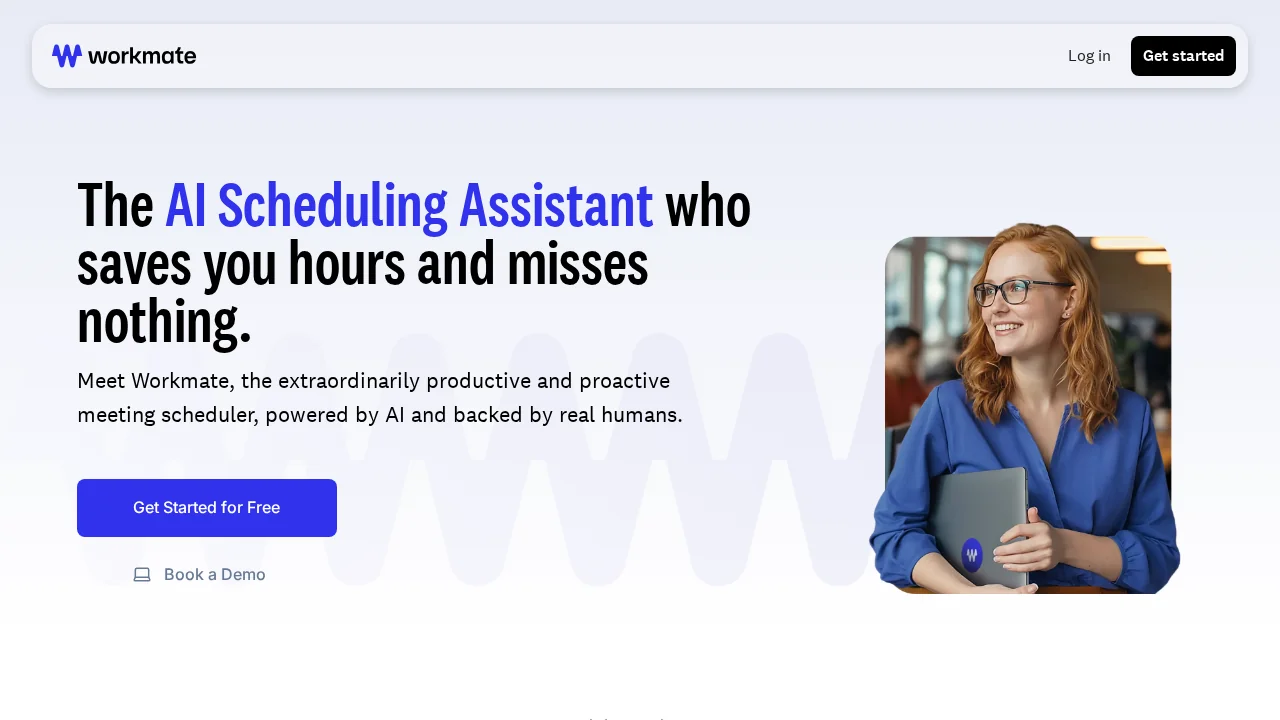
Workmate is an AI scheduling assistant that eliminates meeting coordination emails by automating calendar checks and invite management.
Workmate at a glance
- Pricing
- Free — from $45/month
- Rating
- ⭐ 4.3/5 · 7 reviews
- Key strengths
- Eliminates repetitive scheduling emails through intelligent automation · Integrates directly into existing email without requiring new platforms · Handles complex multi-attendee scheduling and time zone coordination
Screenshots
About Workmate
Workmate transforms how teams coordinate meetings by automating the tedious back-and-forth that typically consumes hours and generates dozens of emails. Instead of manually checking calendars, proposing times, and chasing confirmations, you simply CC Workmate into your email thread and let it handle the logistics. The AI assistant intelligently accesses attendee calendars, identifies available time slots, and proposes optimal meeting times while keeping everyone informed throughout the process.
The platform integrates seamlessly into your existing email workflow, requiring no new tools or platforms to learn. By reducing scheduling friction, Workmate frees team members to focus on meaningful work rather than calendar management. The assistant coordinates across multiple attendees and time zones, ensuring that complex scheduling scenarios are resolved quickly and accurately without human intervention.
Workmate's approach to meeting coordination addresses a universal workplace frustration: the cascade of "What time works for you?" emails that derail productivity. By automating this entirely, teams experience faster decision-making, fewer scheduling conflicts, and reduced administrative overhead. The tool works quietly in the background, making meeting coordination feel effortless while maintaining a professional, organized approach to calendar management.
Pros
Cons
What is Workmate used for?
- Calendar
- Meetings
- Schedule management
- Event scheduling
Alternatives to Workmate
LinaFlow
Jason AI
Kolva
Konvertly
Workflow Machine
Veethi
OnCallClerk