
Alicent
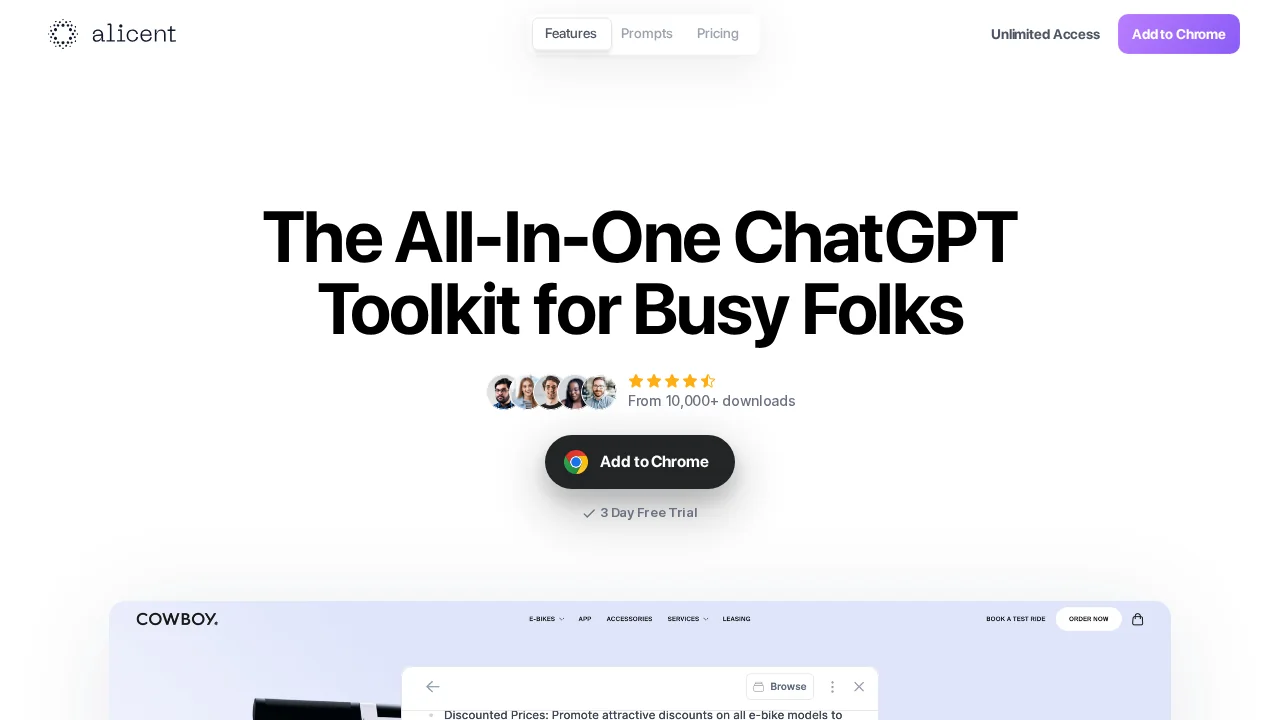
Alicent is a ChatGPT Chrome extension that generates high-quality copy and enhances writing productivity across any web browser.
Alicent at a glance
- Pricing
- Free — from $6/month
- Key strengths
- Instant access to AI writing assistance directly in your browser · Generates natural, human-like text for multiple writing contexts · Reduces time spent on writing mechanics and editing
Screenshots
About Alicent
Alicent integrates advanced AI writing capabilities directly into your browser, allowing you to access powerful text generation without switching between applications. The extension harnesses ChatGPT's natural language processing to produce compelling, human-like content for emails, marketing copy, creative projects, and professional documents. Whether you're drafting business communications or refining academic writing, Alicent streamlines the composition process by providing intelligent suggestions and AI-driven assistance at your fingertips.
The tool is designed to reduce time spent on writing mechanics, freeing you to focus on strategy, ideas, and messaging. Rather than starting from a blank page, you can leverage AI prompts and suggestions to accelerate your workflow while maintaining editorial control. This approach helps writers overcome common productivity bottlenecks and maintain consistent output quality across multiple projects.
Alicent operates intuitively within your existing browser environment, making it accessible for users of all technical skill levels. The seamless integration means less training and faster adoption compared to standalone writing applications. By combining AI capabilities with intuitive interaction patterns, Alicent positions itself as a practical addition to modern digital writing tools for professionals, marketers, and content creators.
Pros
Cons
Alternatives to Alicent
AppDeploy
Rabbitholes AI
remio: Your Personal ChatGPT
ChartGPT
WhatsApp Chatbot
SureThing.io
Notis