
Kerlig
Kerlig is a contextual AI writing assistant that integrates AI capabilities directly into any macOS application.
Kerlig en un coup d'œil
- Tarifs
- Payant — à partir de $47
- Points forts
- Seamlessly integrates into macOS apps without disrupting your workflow · Learns and adapts to your personal tone of voice for authentic communication · Supports multiple content types: text, PDFs, images, and web pages
Captures d'écran
À propos de Kerlig
Kerlig streamlines your writing workflow by embedding AI assistance into the apps you already use daily. Whether you're drafting emails, crafting Slack messages, or refining marketing copy, Kerlig brings intelligent writing tools to your fingertips without requiring you to switch between applications. The assistant learns your unique voice and tone, ensuring that generated or edited content matches your personal communication style across all platforms.
Beyond basic composition, Kerlig excels at real-time editing and refinement. Fix spelling and grammar issues before hitting send, improve clarity and impact in any document, and maintain consistency in your messaging. The tool also handles content analysis tasks like summarizing websites, articles, and web pages—perfect for quickly extracting key information from research materials.
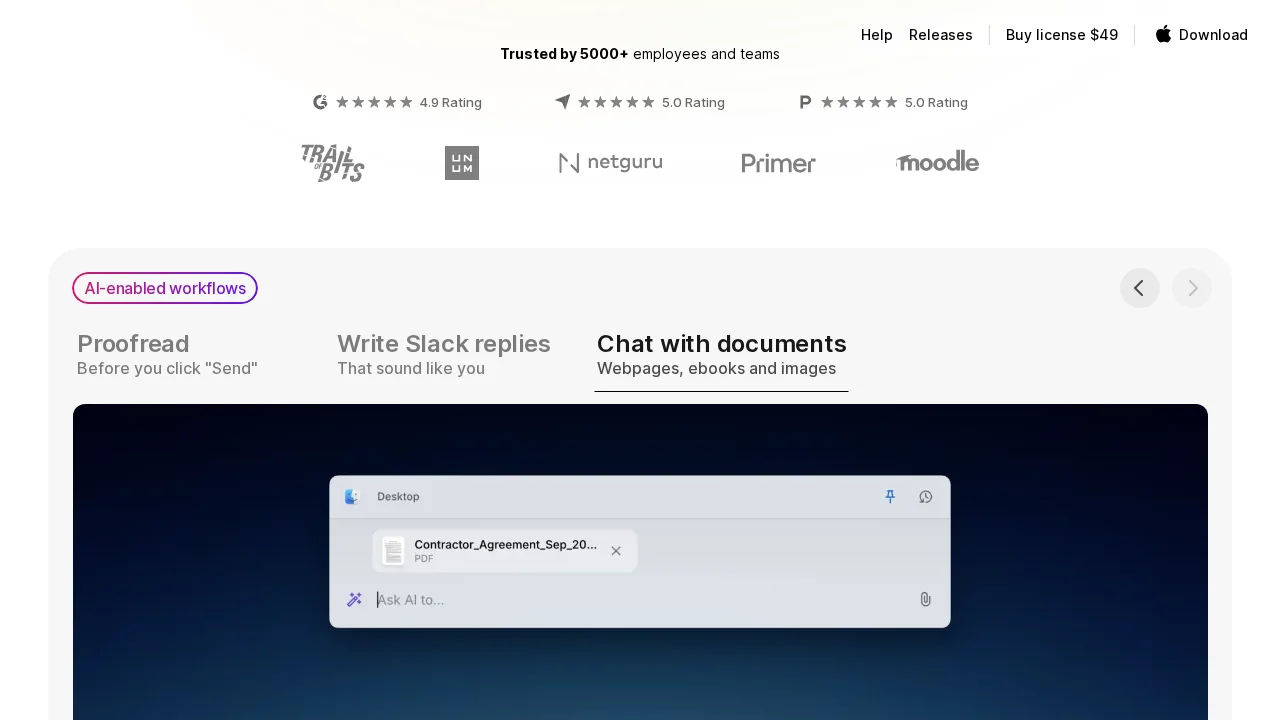
Kerlig supports interaction with diverse content formats, enabling you to chat with PDFs, documents, images, and web pages. This versatility makes it invaluable for professionals who work with varied materials daily. Design and content teams benefit from Kerlig's Figma integration, which allows direct copy improvement within the design platform itself. Multi-language translation capabilities further expand its utility for global communication and collaboration.
Avantages
Inconvénients
Alternatives à Kerlig
Notis
remio: Your Personal ChatGPT
SureThing.io
TheLibrarian.io
Supernormal App
Base44 Superagents
Caret