
AI Toolbar
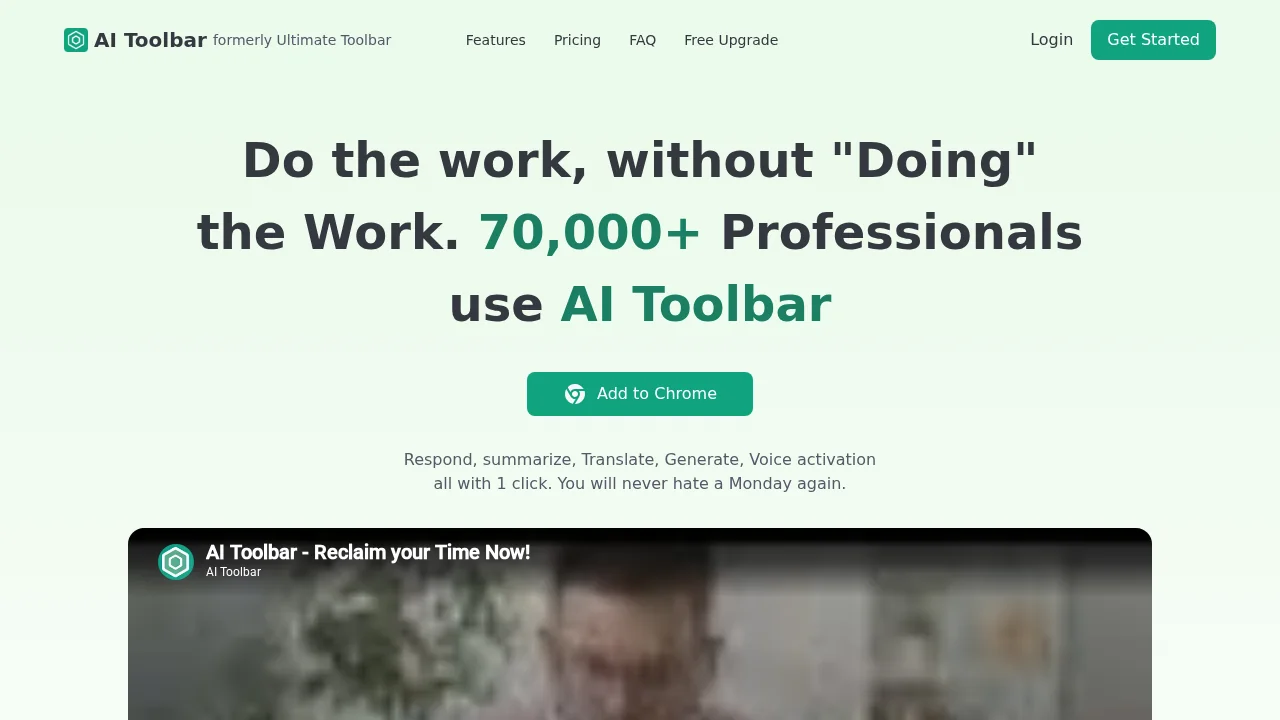
AI Toolbar is a browser-based virtual assistant that boosts productivity with intelligent writing and automation tools.
AI Toolbar at a glance
- Best for
- Developers, Consultants, YouTubers, Small Business Owners
- Pricing
- Free — from $5.33/month
- Key strengths
- Works directly in your browser without leaving your workflow · Voice activation enables hands-free productivity · Exports conversations to Word and PDF formats
Screenshots
About AI Toolbar
AI Toolbar brings artificial intelligence capabilities directly into your web browser, eliminating the need to switch between applications. The integrated assistant helps you work smarter by automating routine tasks and enhancing your writing quality. Whether you're drafting professional emails, summarizing lengthy documents, or translating content, AI Toolbar understands context and delivers relevant results without requiring extensive setup or prompting.
The Copilot feature streamlines email composition by learning from minimal input and generating contextually appropriate messages automatically. A built-in Chatbot engages in intelligent conversations and produces responses that can be exported as Word or PDF documents for easy sharing and archiving. Voice Activation allows hands-free interaction with your personal assistant directly on your PC, making it easier to multitask and maintain workflow continuity.
With text selection capabilities, you can instantly instruct AI Toolbar to perform tasks like summarization, translation, paraphrasing, and data extraction on any webpage content. The tool integrates seamlessly with ChatGPT for users seeking an enhanced AI experience. Both free and premium versions are available, with the premium tier unlocking unlimited usage, custom prompts, and ChatGPT integration across any webpage.
Pros
Cons
Alternatives to AI Toolbar
Notis
remio: Your Personal ChatGPT
SureThing.io
TheLibrarian.io
Supernormal App
Base44 Superagents
Caret